MaxCommunicator Manual 23
Using
MaxCommunicator
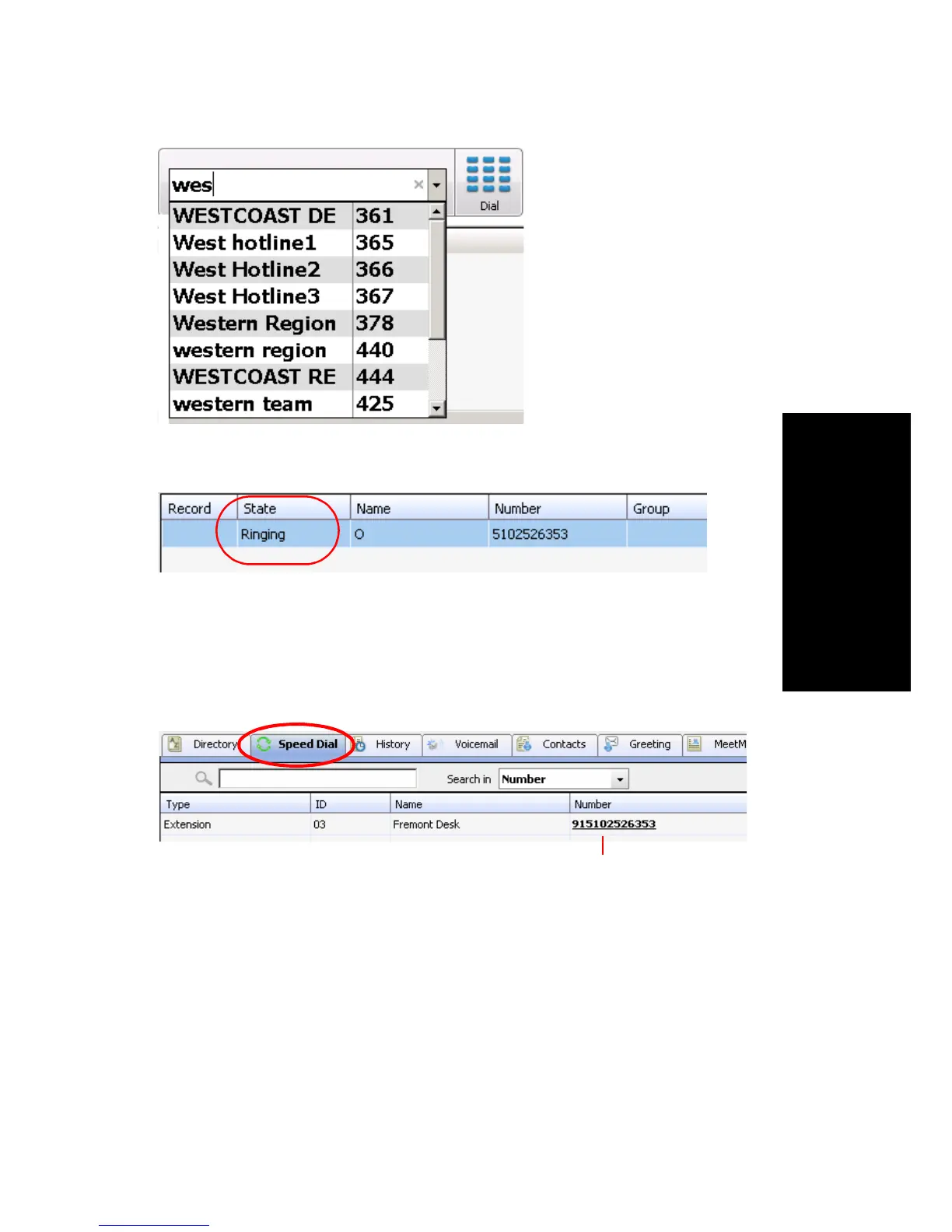
The Call Information panel displays the state of the call.
Dialing Speed Dial Numbers
To dial speed dial numbers, click the Speed Dial tab:
This tab lists speed dial numbers that you have configured at your extension
(extension speed dial numbers), and it lists speed dial numbers, if any, that
have been set up for your extension by the system administrator (system
speed dial numbers). You can see in the Type column which numbers are
extension speed dial numbers and which are system speed dial numbers.
To call a speed dial number, click the number in its Number column.
Searching for
“western team”
Click the number to make the call



 To Next Page