64 MaxCommunicator Manual
Log
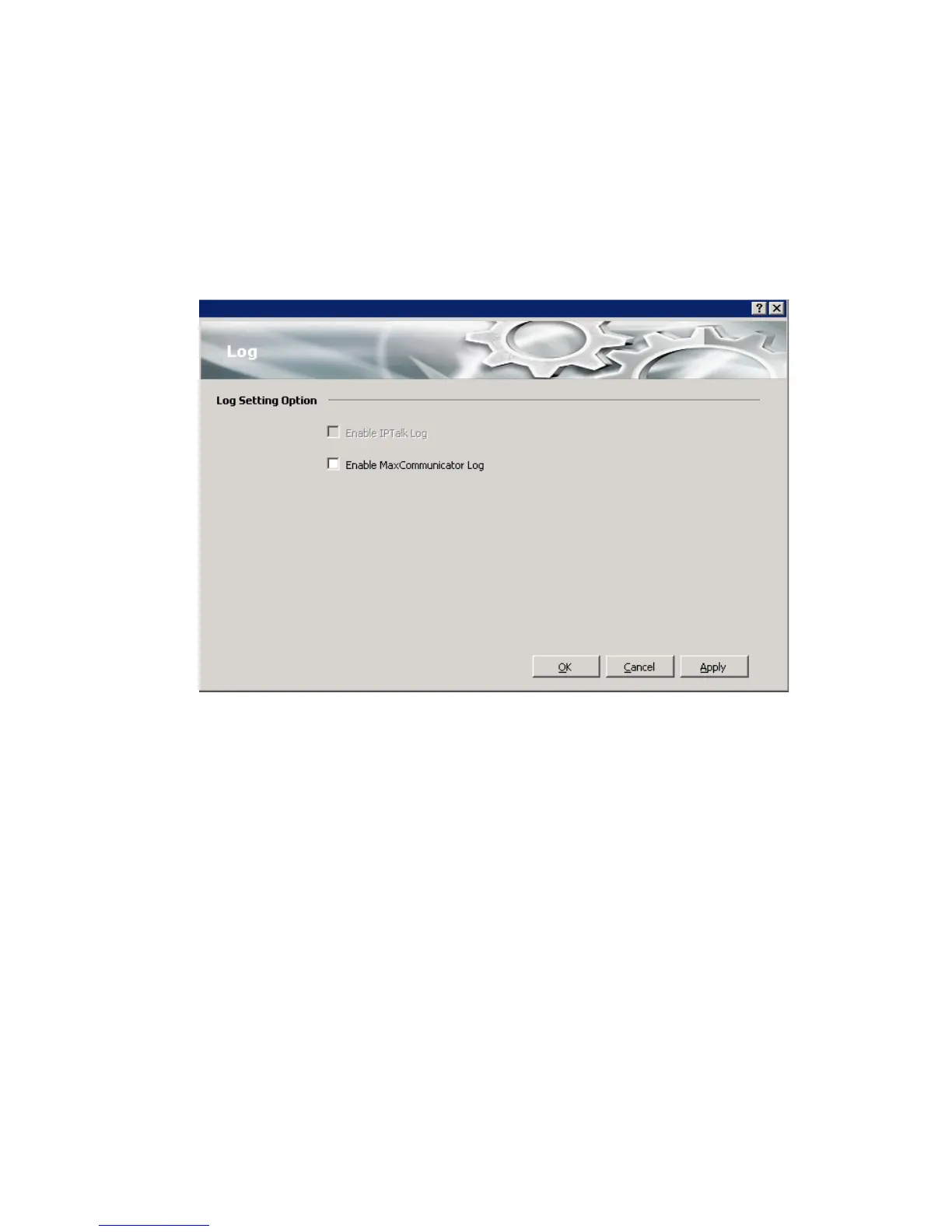
If you want the system to keep error logs for troubleshooting, check the
appropriate box in the Log screen in the Configuration window. Logs are
stored in the C:\Program Files\AltiGen\MaxCommunicator\Logfiles
directory.
The Enable IPTalk Log check box is available only if you’re using
IPTalk.



 To Next Page