MaxCommunicator Manual 51
Configuration
Manager to synchronize the systems. Otherwise this feature will not
work.
Note: The call being transferred must originate from an AltiGen PBX
system running AltiWare ACC/ACM 5.0 or later, or MAXCS
ACC/ACM 6.0 or later.
• Disable Auto Format—If the MAX Communication Server’s country
code is US/Canada, MaxCommunicator automatically adds the long
distance/international dialing prefix (corresponding to the server’s
country code) when returning a call from voice mail or when making
a call from the History tab. To prevent this, check Disable Auto
Format.
• Enable Centrex Transfer—If you have a Centrex line, you can check
this box to enable a Centrex transfer (see “Centrex Transfer” on page
27).
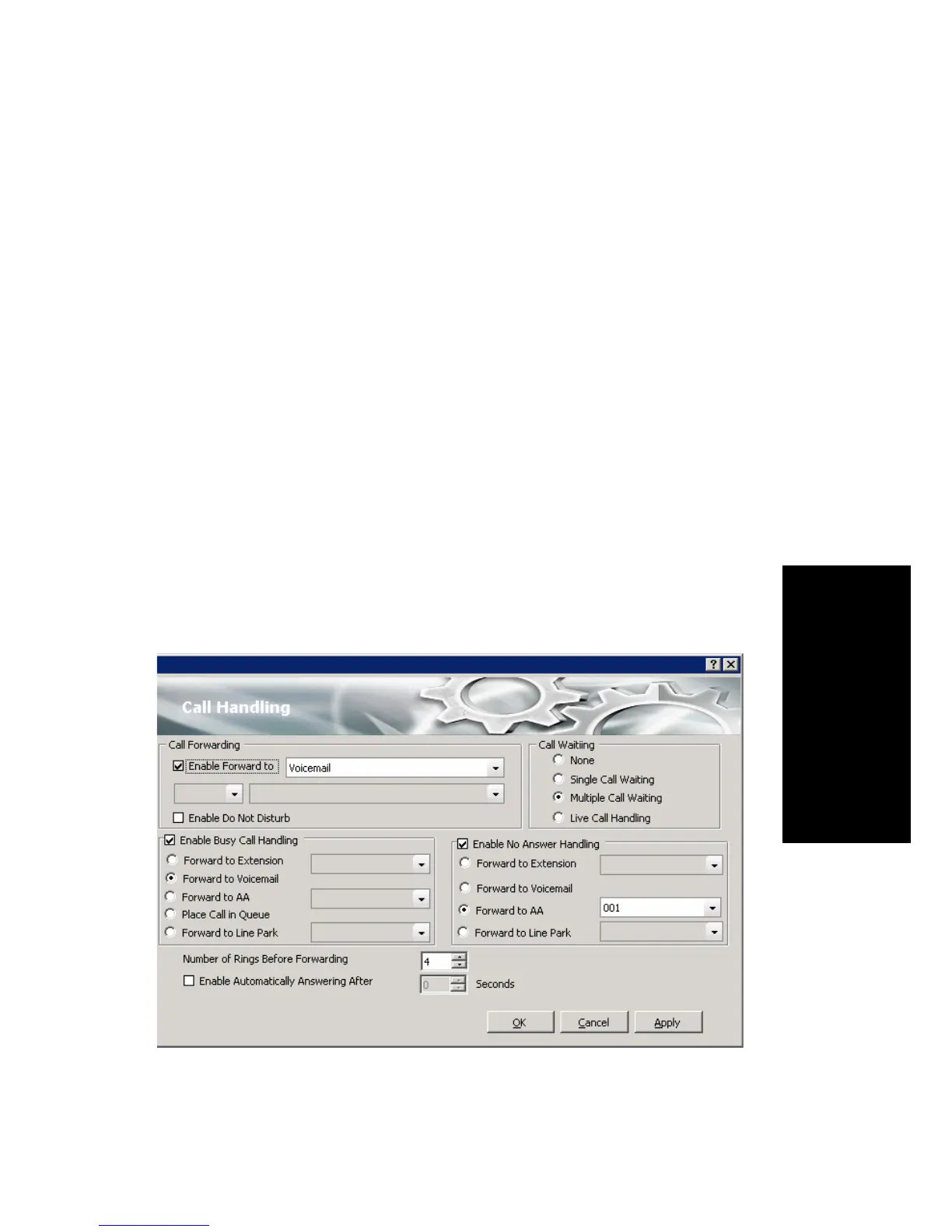
Call Handling
Click the Call Handling tab in the Config window to configure incoming
call handling for your extension.



 To Next Page