44 MaxCommunicator Manual
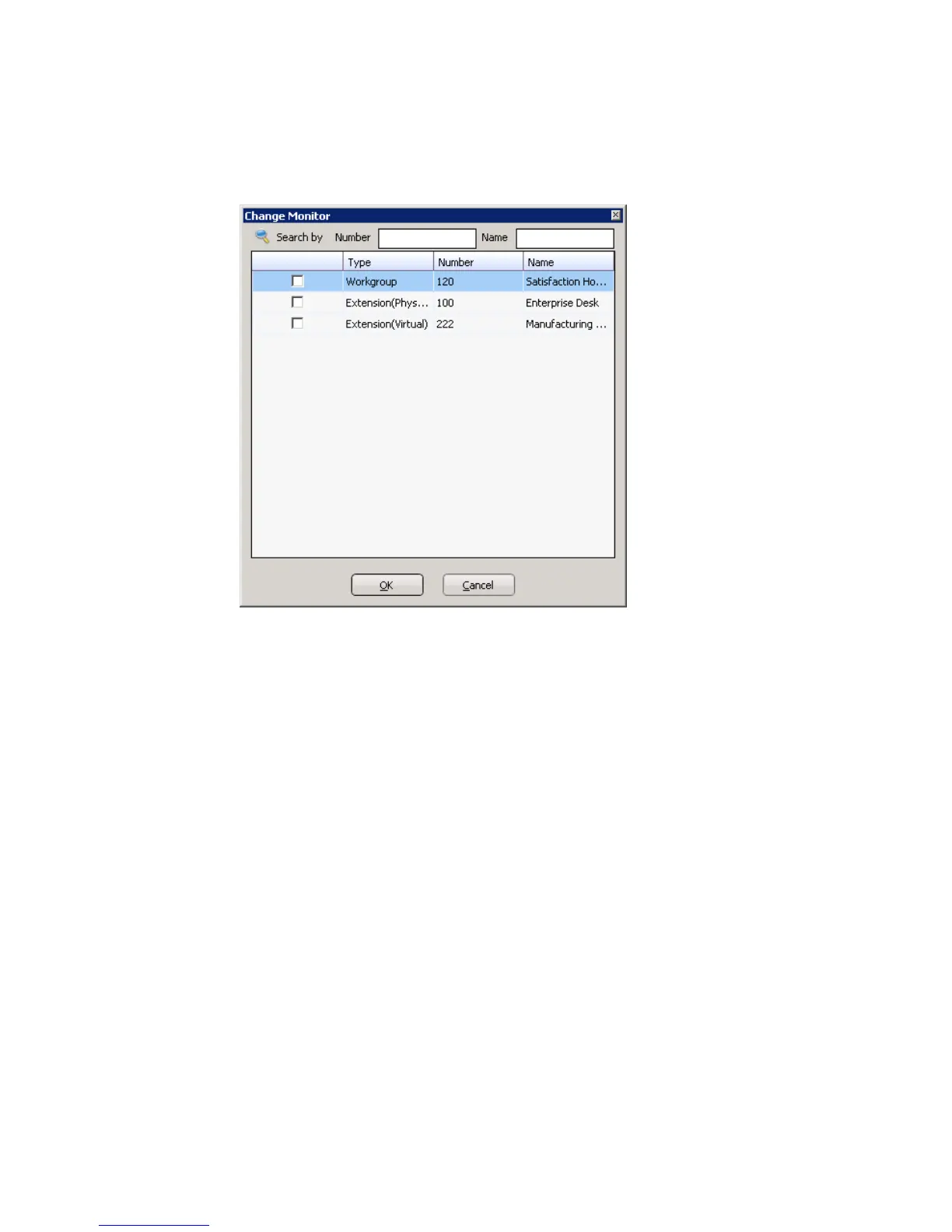
The Change Monitor dialog box opens. Extensions to which your
system administrator has given you monitoring rights are listed here.
2. Select the check boxes next to the extensions you want to monitor, and
click OK. If the list is long and you want to search, type a number or
name in the appropriate search box.
The extensions you select will be listed in the Monitor window.
Reading the Monitor List
The monitor window includes these fields: State, Extension, Name,
Activity, DND/FWD, Caller Name, Number, Department, Location,
DNIS, and Duration.
The state can be one of the following:
• Idle—the extension is not in use
• Connected—the extension is in use
• Ringing—the phone on the extension is ringing; you can click the
State field to pick up the call at your own extension
• Conferencing—the extension is on a conference call
• Voicemail—the extension is in voice mail
• Auto Attendant—the extension is connected to an auto attendant



 To Next Page