22 MaxCommunicator Manual
Dialing Out
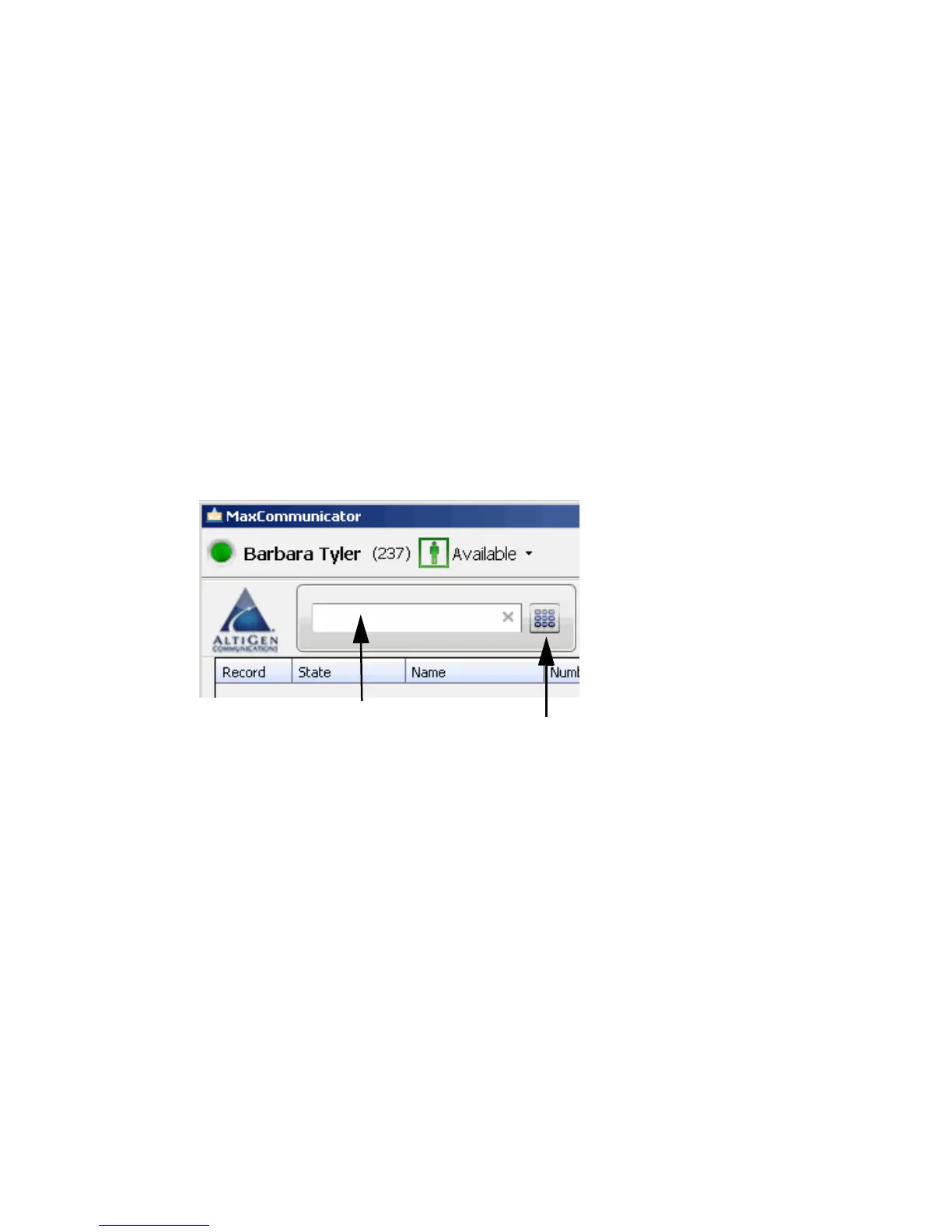
To dial a number, click in the dialing field, enter a number or name, and
then click the Dial button or press Enter on your computer keyboard.
• Enter a number—You can enter a number in the dialing field by
using the standard numeric keys or numeric keypad on your computer,
or by using the dial pad in MaxCommunicator.
• Enter a name—For names recorded in the system, you can enter a
name by using the keyboard on your computer to type the name. Then
select the name from the drop-down list that opens. The number for
that name appears in the dialing field.
To close the drop-down list or clear the dialing field, click the “x” in
the field.
The dialing field drop-down list displays extensions and the names
associated with extensions as well as names and numbers imported from
MS Outlook, Outlook Express, GoldMine®, or ACT!.
The list can display up to 2,000 entries. If you are working with more than
2,000 entries, you can find the entry by name search even if the entry is not
one of the 2,000 that are displayed.
You can click the Dial button to
open the dial pad
You can start typing a
name in the dialing
field to open your
company directory
and contacts list.
Then select a name.
You can enter a number
in the dialing field



 To Next Page