30 MaxCommunicator Manual
Note: The conference host is the user who initiates the conference call,
and only the conference host can drop a call from conference. If the
conference host hangs up, no one else in the conference call can
drop a call from the conference.
MeetMe Conference
If your company has this feature available, you can schedule a phone
meeting to take place at a specified time in the future and invite people to
the meeting. Invited people call the MeetMe conference extension number
to join the meeting at the designated meeting time.
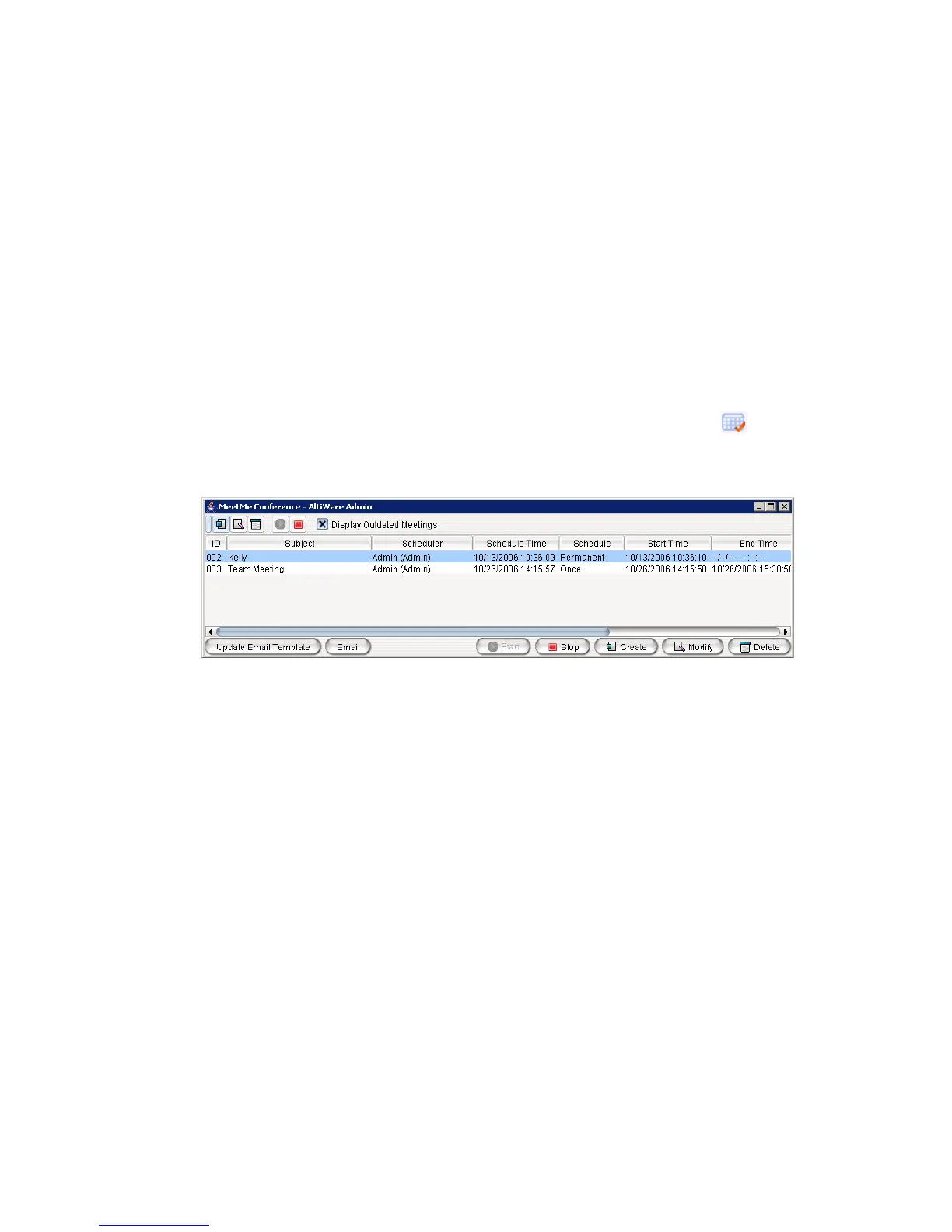
To schedule a phone meeting, click the Schedule Meeting button . The
MeetMe Conference window opens:
Using this window, you can:
• Create a one-time or recurring meeting and set its parameters
• Open Microsoft Outlook to send an e-mail invitation to participate in
the meeting
• Start and stop a meeting
• Modify or delete a meeting
• See meeting ID, subject, scheduler, time, frequency, start time, end
time, the last time the meeting started, its status, and the resource being
used.
• Display or hide outdated meetings
• Modify column display



 To Next Page