32 MaxCommunicator Manual
Creating a Meeting
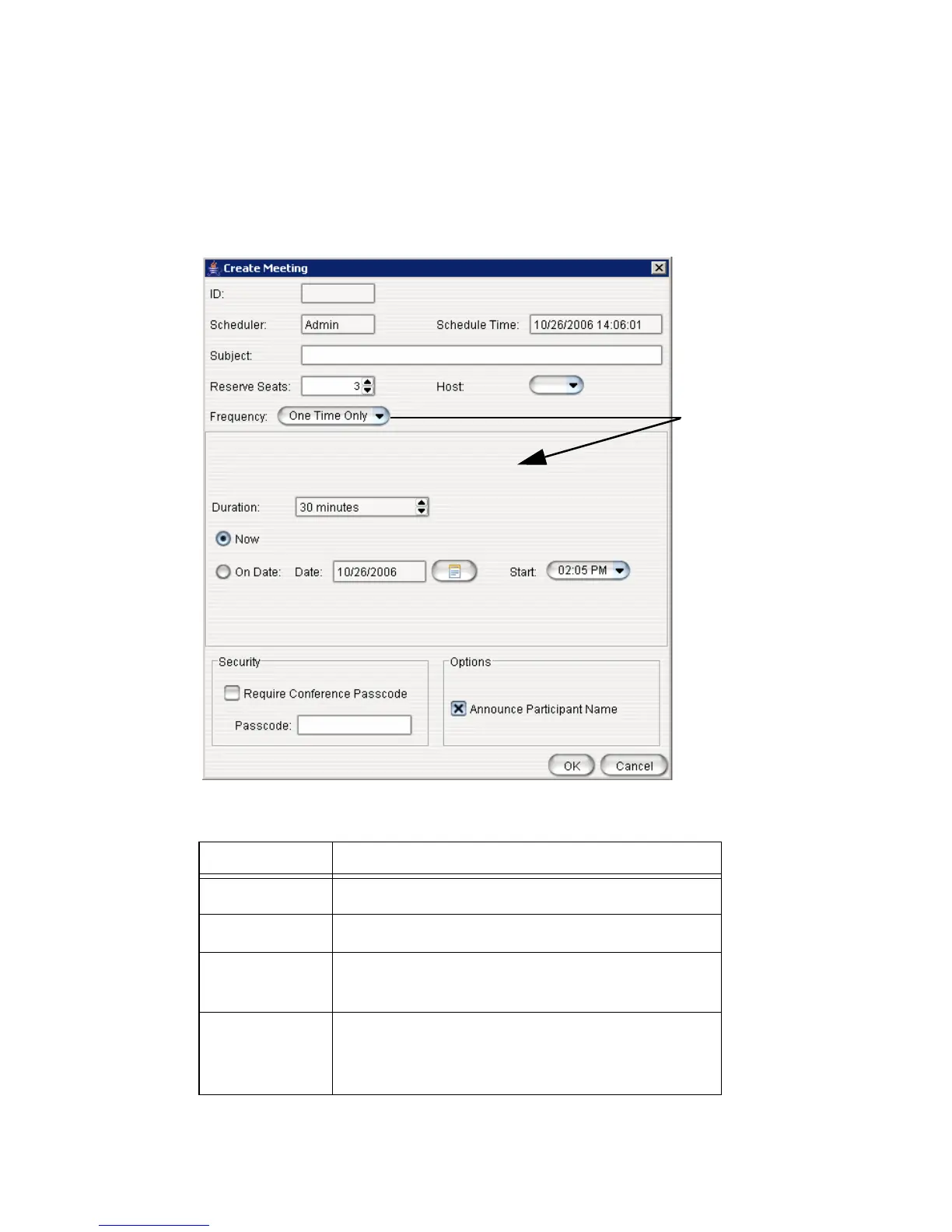
To create a meeting, click one of the Create buttons. The Create Meeting
dialog box opens.
The following parameters apply to all meetings:
Parameter Description
ID The conference ID is created by the system.
Scheduler The name of the person scheduling the meeting.
Schedule
Time
The time the Create Meeting dialog box was
opened to create this meeting.
Subject Identifies the subject or type of meeting. What you
enter here should be easily identifiable in the
meeting list.
The options in
the middle
panel change,
depending on
the schedule
you select



 To Next Page