MaxCommunicator Manual 59
Configuration
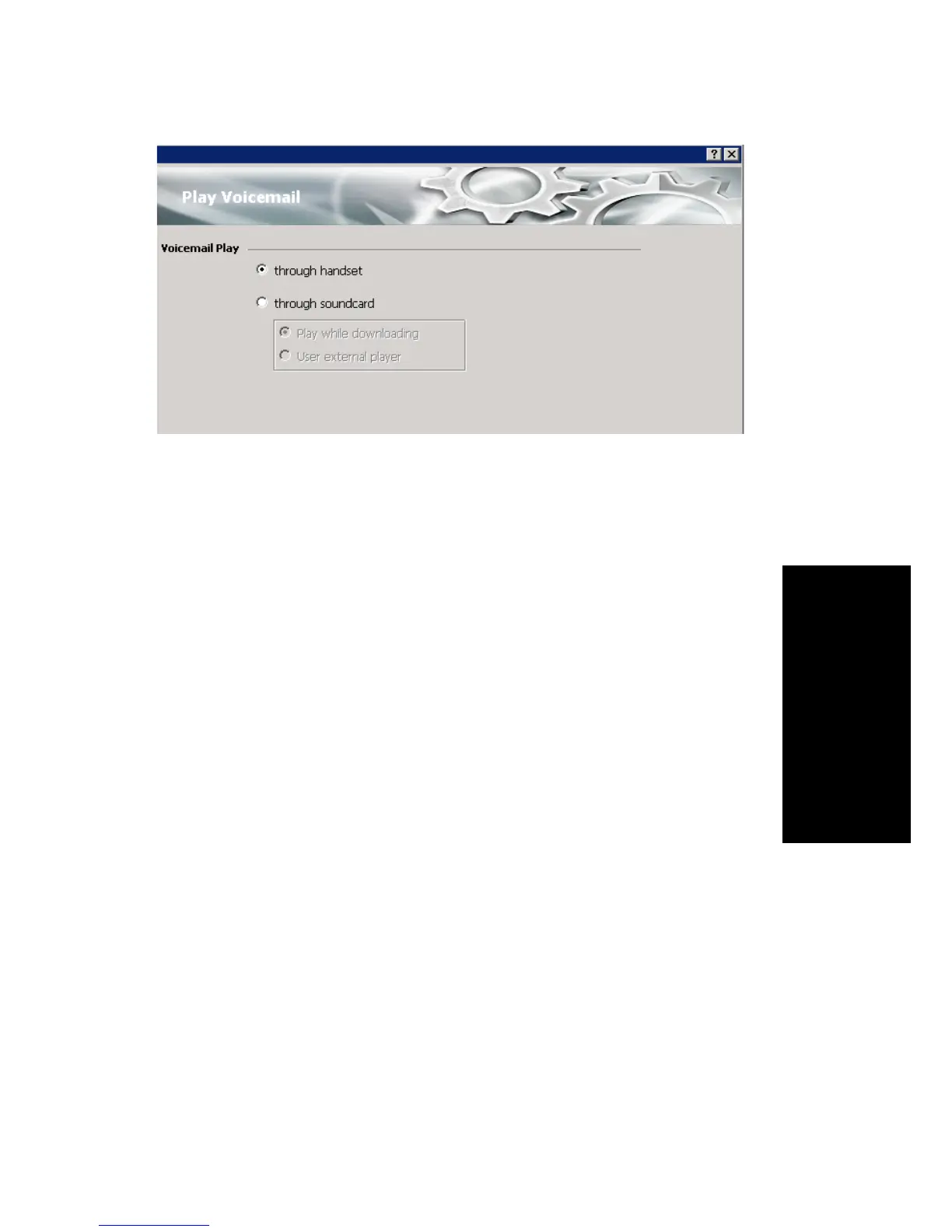
You can choose to play your messages on your phone set, or play them on
your sound card and speakers. If you choose to play them on your sound
card, you can have the message play as it downloads, or you can download
it completely and play it on an external media player.
CRM Integration
MaxCommunicator can access phone numbers from your Microsoft
Outlook, Outlook Express, ACT!, or GoldMine® database. During
installation, the install program reads which applications you have installed
on your PC.
You can also integrate MaxCommunicator with your Microsoft Office
Communications Server (OCS) account for instant messages. The OCS
contacts can be imported from Microsoft Outlook client.
Configure CRM integration in the Configuration window’s Integration
screen:



 To Next Page