60 MaxCommunicator Manual
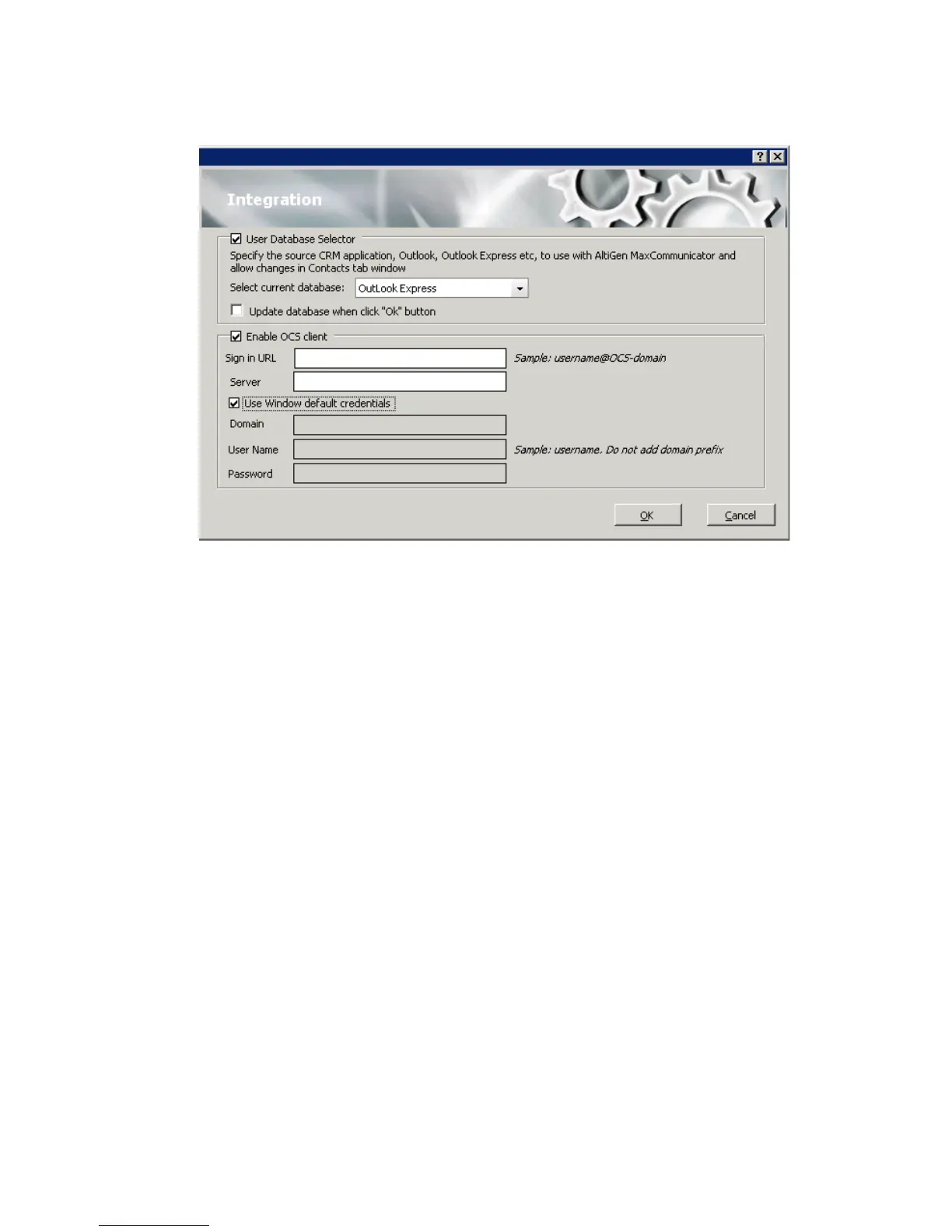
Use Database Selector—Check this check box to allow integration of your
company’s CRM database with your MaxCommunicator, then select your
CRM program from the Select current database drop-down list.
Update database when click OK button—When you check this check
box, MAX Communication Server refreshes the data MaxCommunicator
accesses from the database.
Note: If you select Outlook, MAX Communication Server will load all
the subfolders and data in your main Contacts folder, which will
take a few moments. Once the data is loaded, you can close the
Configuration window, reopen it, and click the Select Folder
button that now appears to choose which Contacts subfolders you
want to use.
Enable OCS Client—Check this box to enable the Microsoft OCS client,
which allows you to initiate instant messaging from MaxCommunicator.
• Sign in URL—The URL of the Microsoft OCS client
• Server—The IP address of the Microsoft OCS client
Use Windows default credentials—Either check this check box to use
Windows default credentials, or enter the OCS domain, account name, and
account password in the appropriate fields.
Note: The OCS needs to be in the same domain as MAXCS.



 To Next Page