MaxCommunicator Manual 61
Configuration
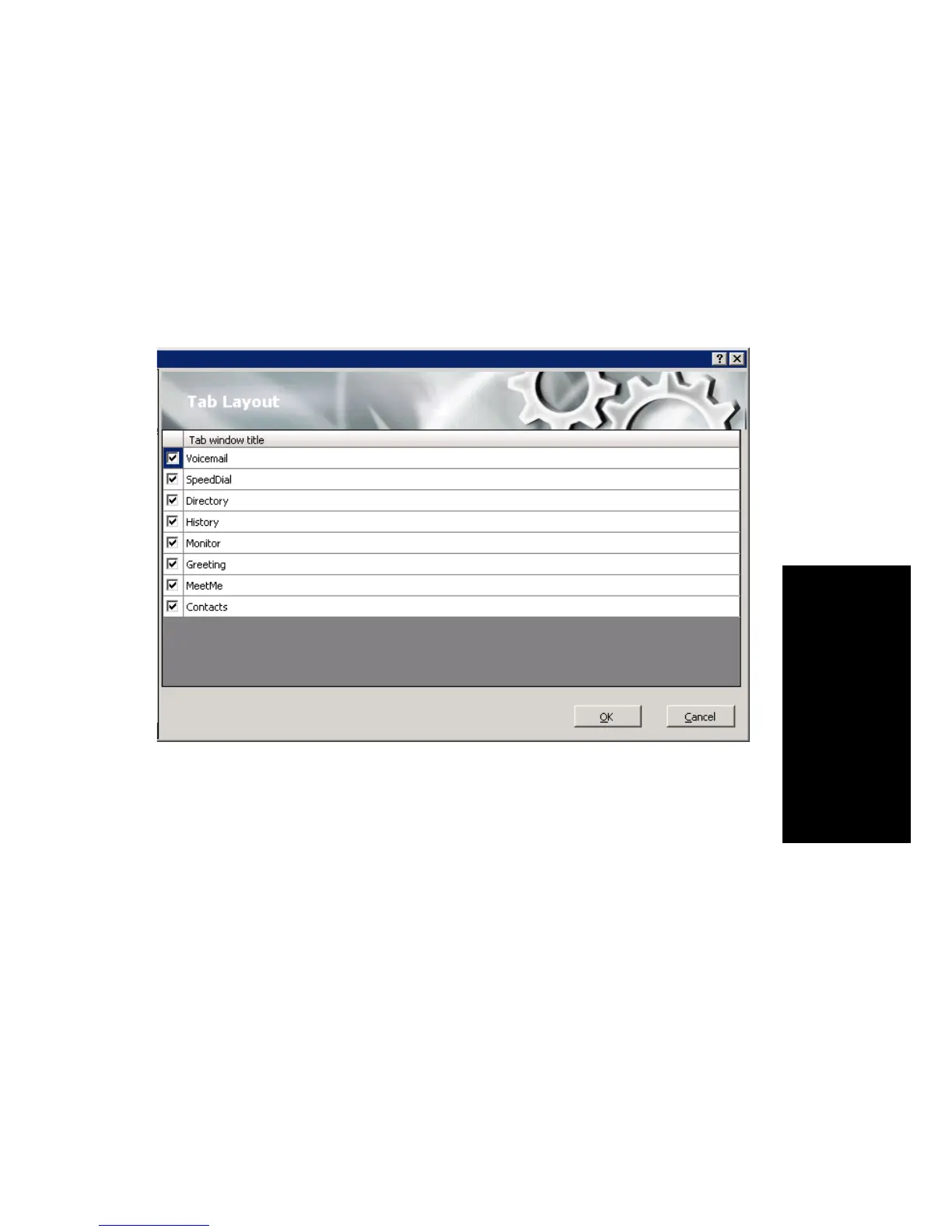
Tab Layout
You can choose which tabs you want to display in MaxCommunicator by
right-clicking in the space to the right of the tabs in the main window and
selecting the tabs you want to show. When no tabs are displayed in the main
window, you can click Voicemail (which displays the Voicemail tab). Or
you can configure the tabs in the Configuration window’s Customization
> Tab Layout screen.
Check the tabs you want to display in MaxCommunicator, and click OK.
Theme Selection
Choose the display theme of your MaxCommunicator in the Configuration
window’s Customization > Theme Selection screen.



 To Next Page