58 MaxCommunicator Manual
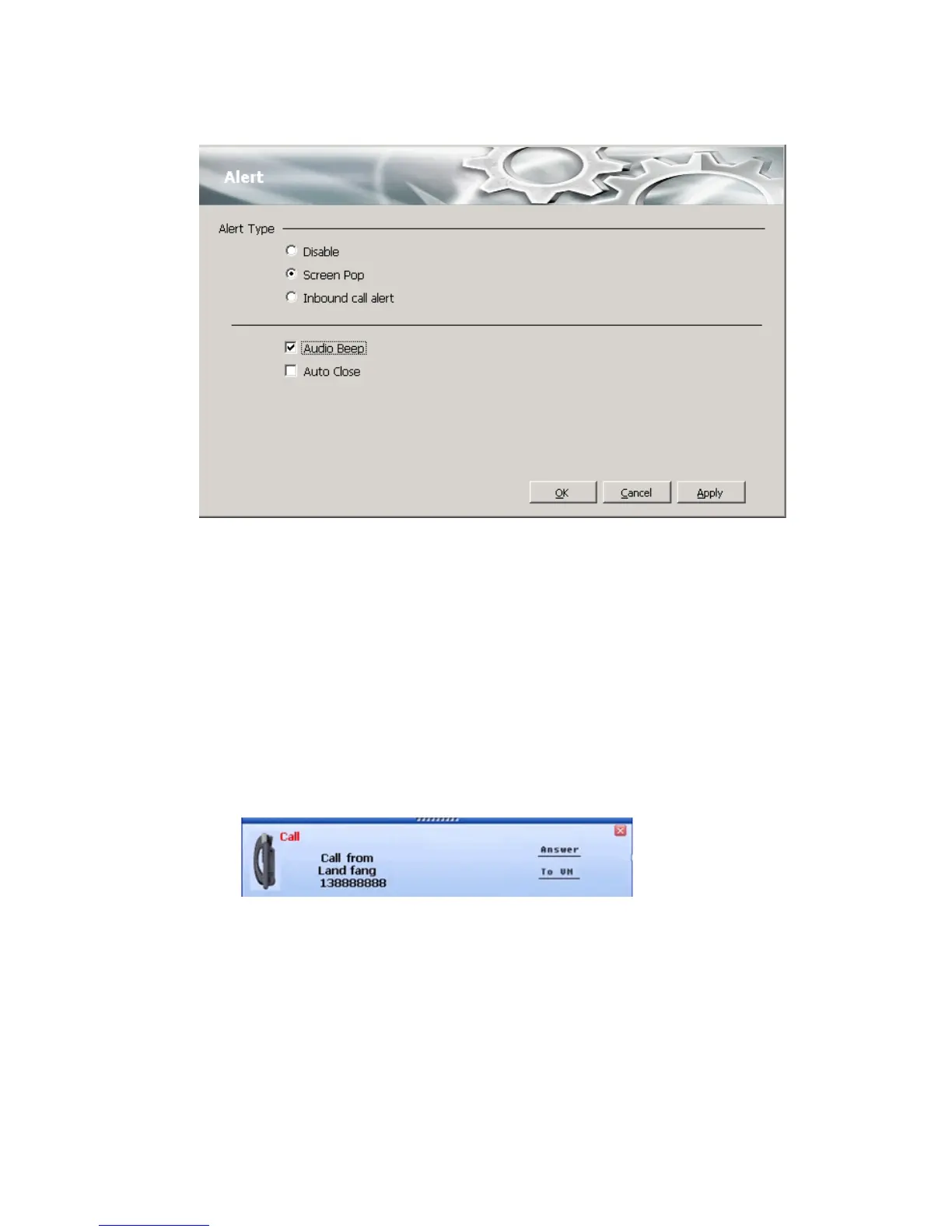
You can set these alert options:
• Disable—Disables screen pop.
• Screen Pop—When a new call comes in, the MaxCommunicator main
window pops up. You can then answer the call or perform other
MaxCommunicator actions. For MaxCommunicator to pop up, you
cannot have closed the application entirely, but it can be shrunk or
minimized.
• Inbound call alert—When a new call comes in, a window pops up
and gives you the option to answer the call or send it to voice mail:
• Audio Beep—Your PC beeps you when you have a call.
• Auto Close—The pop up window closes once you have finished with
the call.
Voice Mail Play Options
Choose Options > Play Voicemail in the Configuration screen to set voice
mail play options.



 To Next Page