54 MaxCommunicator Manual
— Enable Forward to must not be checked. If it is, all calls will be
forwarded according to this setting.
See “Call Handling” on page 51 for details on these settings.
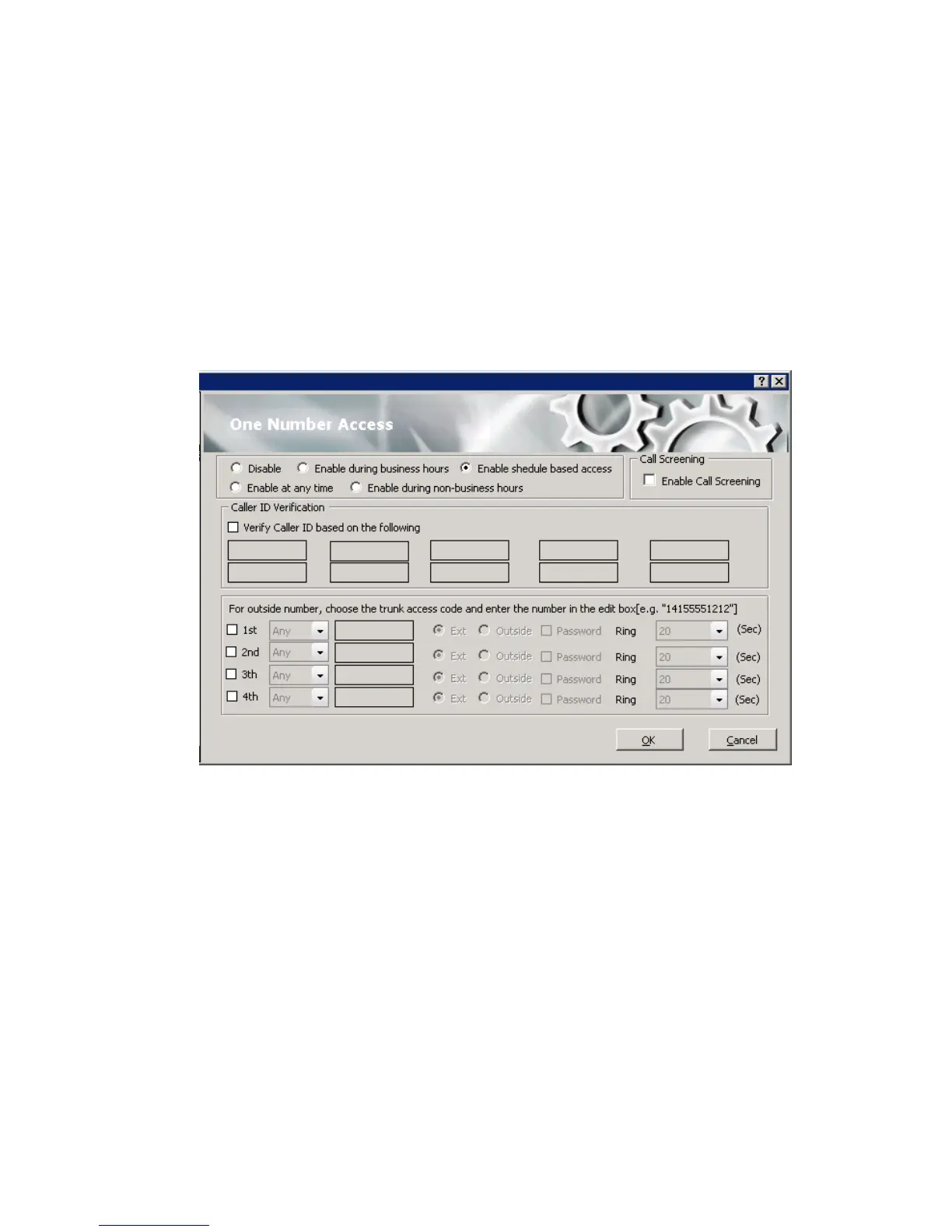
Setting Up One Number Access
To set up one number access,
1. Click Extension > One Number Access in the Configuration window.
2. Select the times you want to be available to ONA callers.



 To Next Page