46 MaxCommunicator Manual
have a record with an earlier timestamp followed by a record with a
later timestamp.
Also, the timestamp for call data is based on the client system, while
the timestamp for voice mail messages is from MAX Communication
Server. Thus, the times displayed here may not match those in the
voice mail view in the main window.
• Duration—the duration of the call.
• DNIS—DNIS digits collected, if available
• Group—Group number or name
• Note—a note attached to the call. To enter a note, double-click the
Note field and type your note.
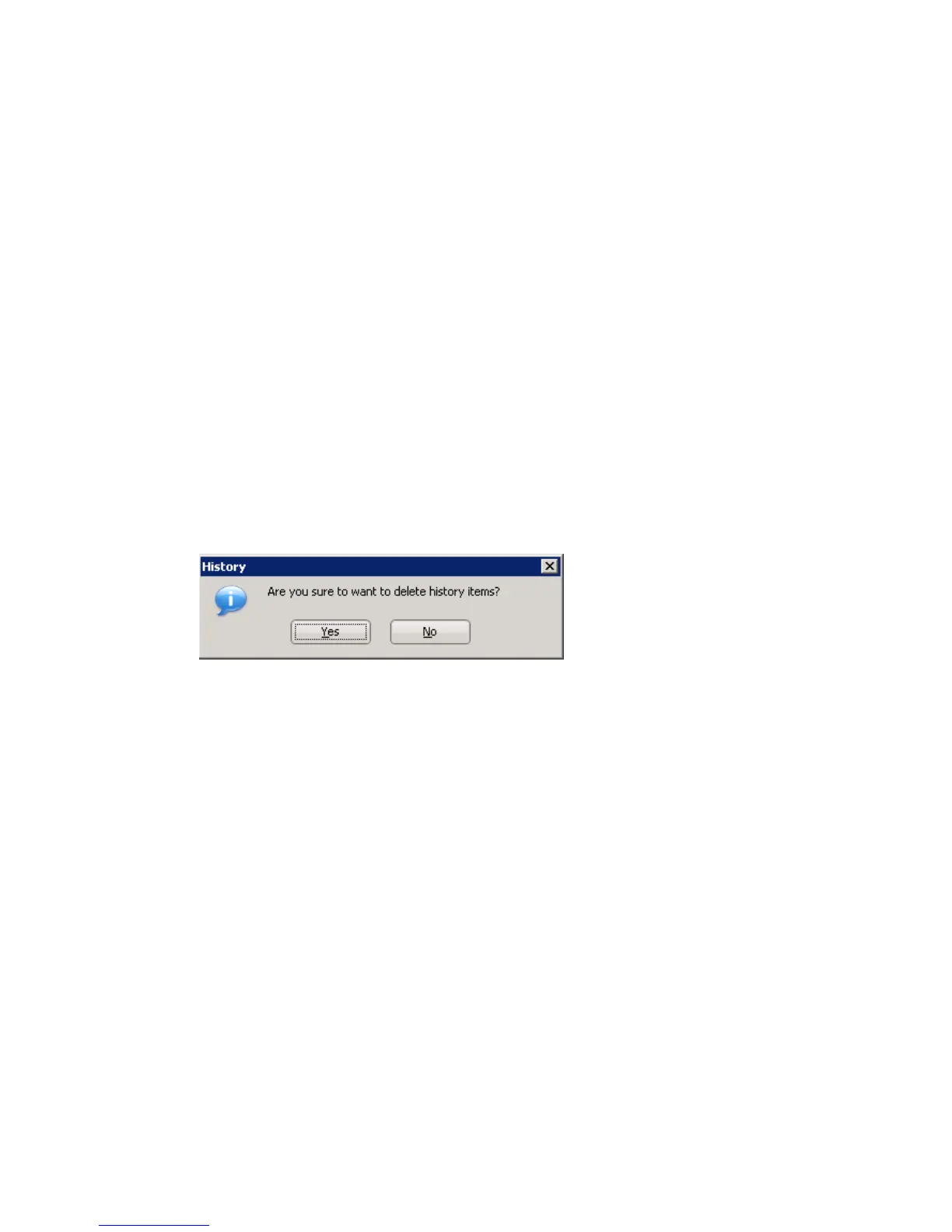
Use the Delete button to delete selected calls in the history list. Use the
Delete All button to delete the entire call history list. MaxCommunicator
will ask you to confirm the deletion; click Yes to delete or No to cancel:
Using the Contacts Tab
To populate the Contacts tab with the contacts listed in your Outlook,
Outlook Express, ACT!, or Goldmine CRM application, see “CRM
Integration” on page 59. Once the list is populated, the numbers that appear
on this tab can be called, transferred to, and conferenced just like any other
number.



 To Next Page