12 MaxCommunicator Manual
Call Information Panel
The call information panel displays several columns of information about
calls:
Record— shows when a call is being recorded
State—the state of the currently active call:
• AA—the call is being transferred to an auto attendant
• Busy—callee is busy or not available
• Call Pending—the call is placed into a workgroup queue
• Conference—the call is in conference
• Connect—the call is connected
• Dial Tone—a dial tone is present, and MaxCommunicator is ready to
dial out
• Error—receipt of an error tone
• Hold—the call is on hold
• Hold Pending— the call is being transferred or conferenced
• Idle—the extension is not in use
• Play—playing voice mail
• Record—recording an introductory message
• Ringback—caller sees this state while the callee’s phone is ringing
• Ringing—an outgoing call is ringing another phone or an incoming
call is ringing your phone
Name—the name of the person on the other end of the call, if available
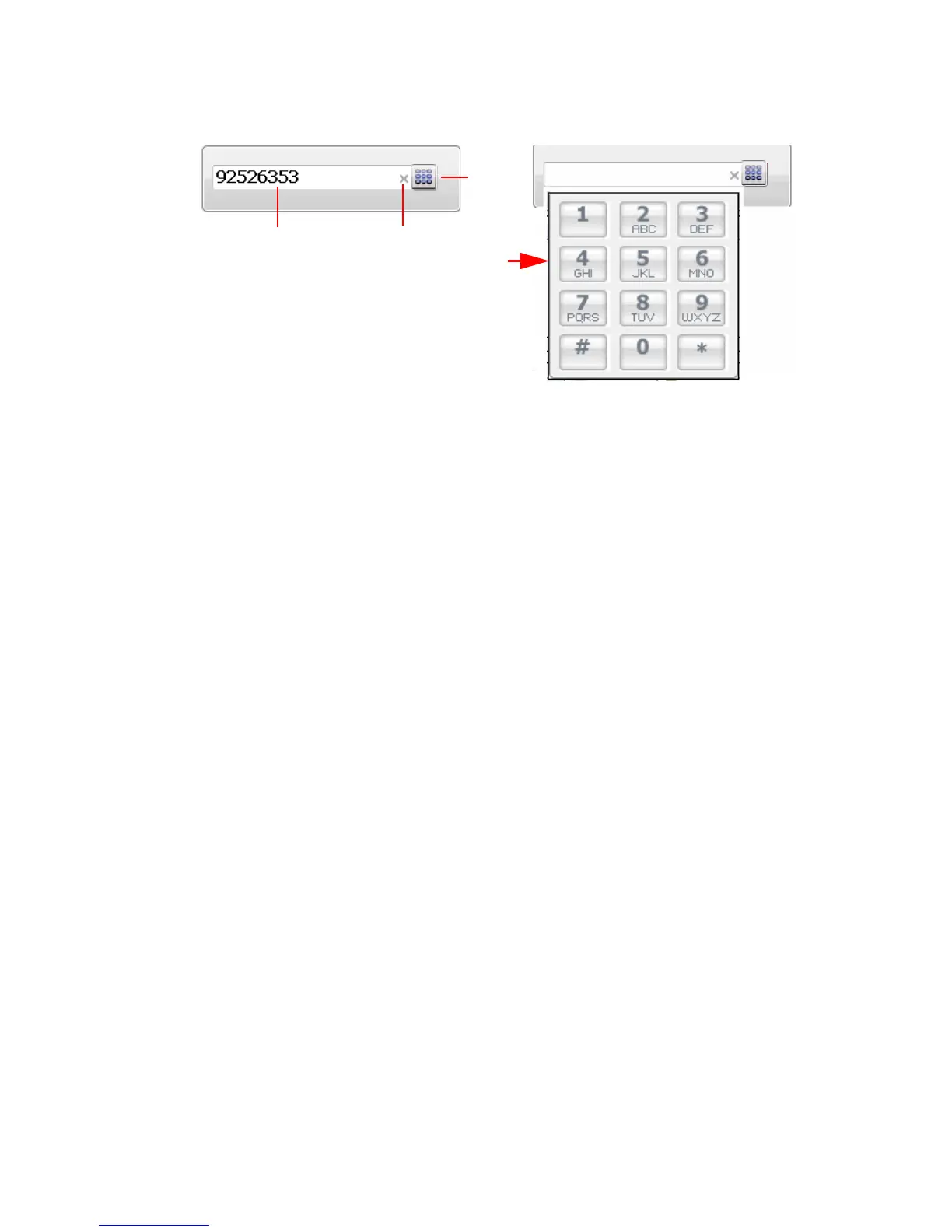
Click the x to
clear the dial
field or close
the dial pad.
Dialer field.
Dial
button
pops
up dial
pad.



 To Next Page