42 MaxCommunicator Manual
Deleting Messages
To delete a selected message, click the Delete button, or right-click a
message and select Delete from the context menu.
Returning a Call
To return the call, select the voice mail and click the Return button or click
the number in the Number field.
Attaching a Note
To add a note to accompany a voice mail, double-click in the Note field and
type your note. Or right-click a voice mail entry and choose Note from the
pop-up menu. Type your note and click OK.
Forwarding Voice Mail
To forward a voice mail to an extension or a VM Group
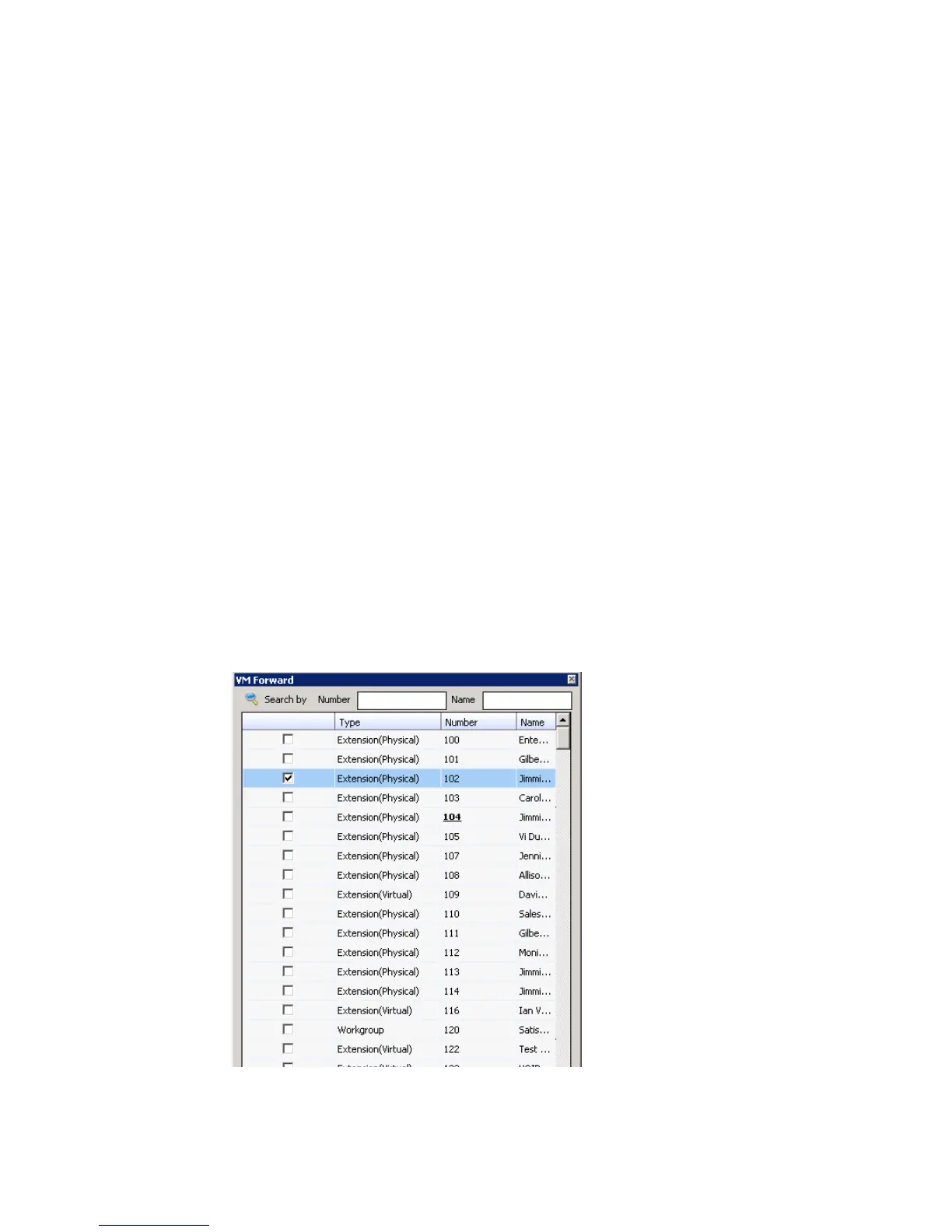
1. Select the voice mail and click the Forward button, or right-click the
voice mail and select Forward. The VM Forward dialog box opens:
2. Check the check box next to the extension to which you want to
forward the message.



 To Next Page