IS-300A
3. Name and Functions of Each Section
3-1
3. Name and Functions of Each Section
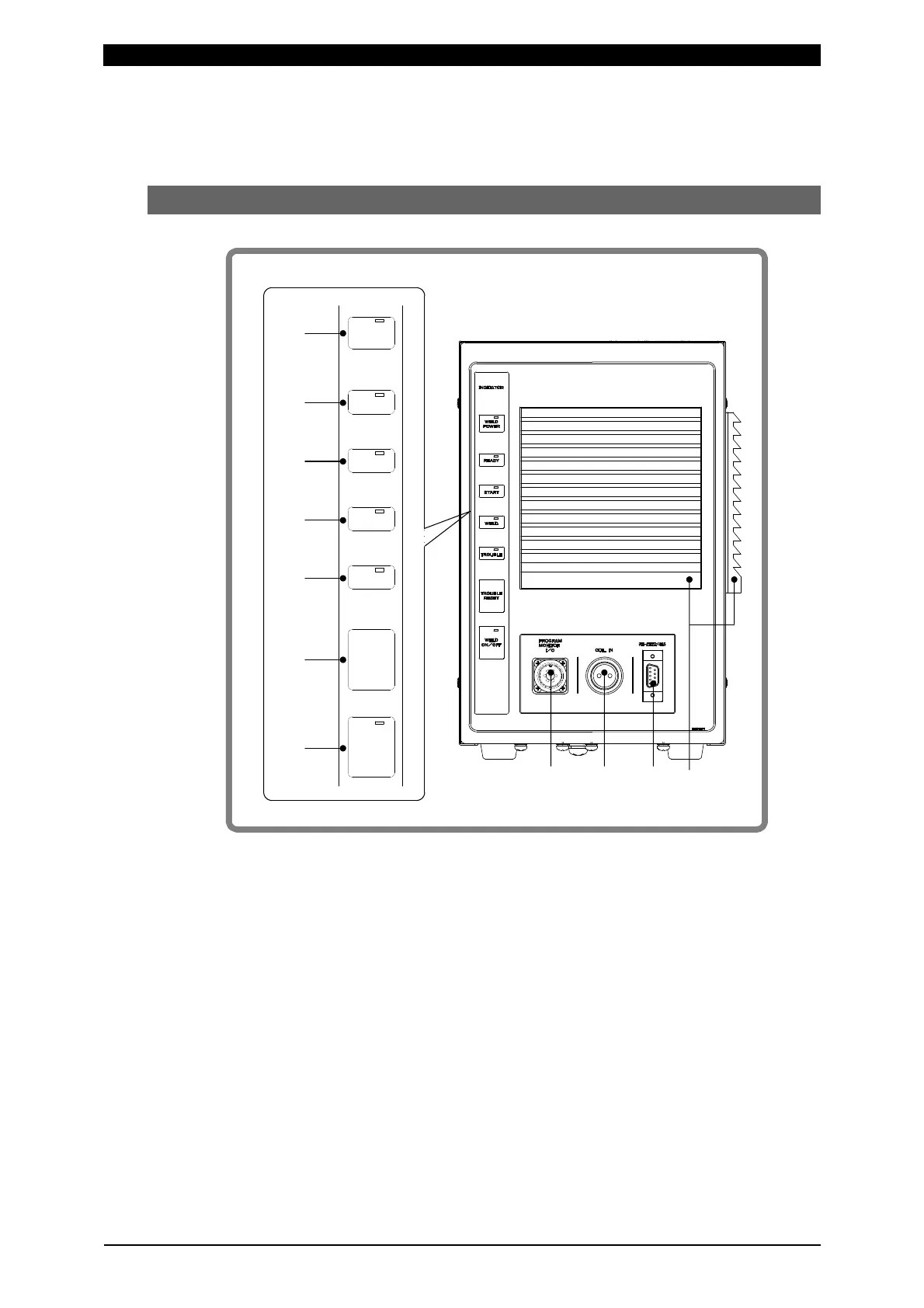
(1) Front
WELD POWER lamp (green LED)
Lights up when the power is supplied to IS-300A.
READY lamp (green LED)
Lights up when the system is ready to start welding.
To turn on this lamp:
• WELD ON/OFF key
• WELD ON/OFF setting of Program Unit MA-660A and
• External WELD ON/OFF signal
must all be turned on and there is no error.
The Power Supply writes data into the flash memory on the control board when
a setting is changed or a schedule data is copied. The READY lamp on the
front panel and the external READY signal are turned off during writing. Check
that the READY lamp is turned on to start welding.
TROUBLE
RESET
WELD
POWER
READY
START
WELD
TROUBLE
WELD
ON/OFF
①
②
③
④
⑤
⑦
⑥
○
11



 To Next Page