IS-300A
4. How to Operate Screens
4-20
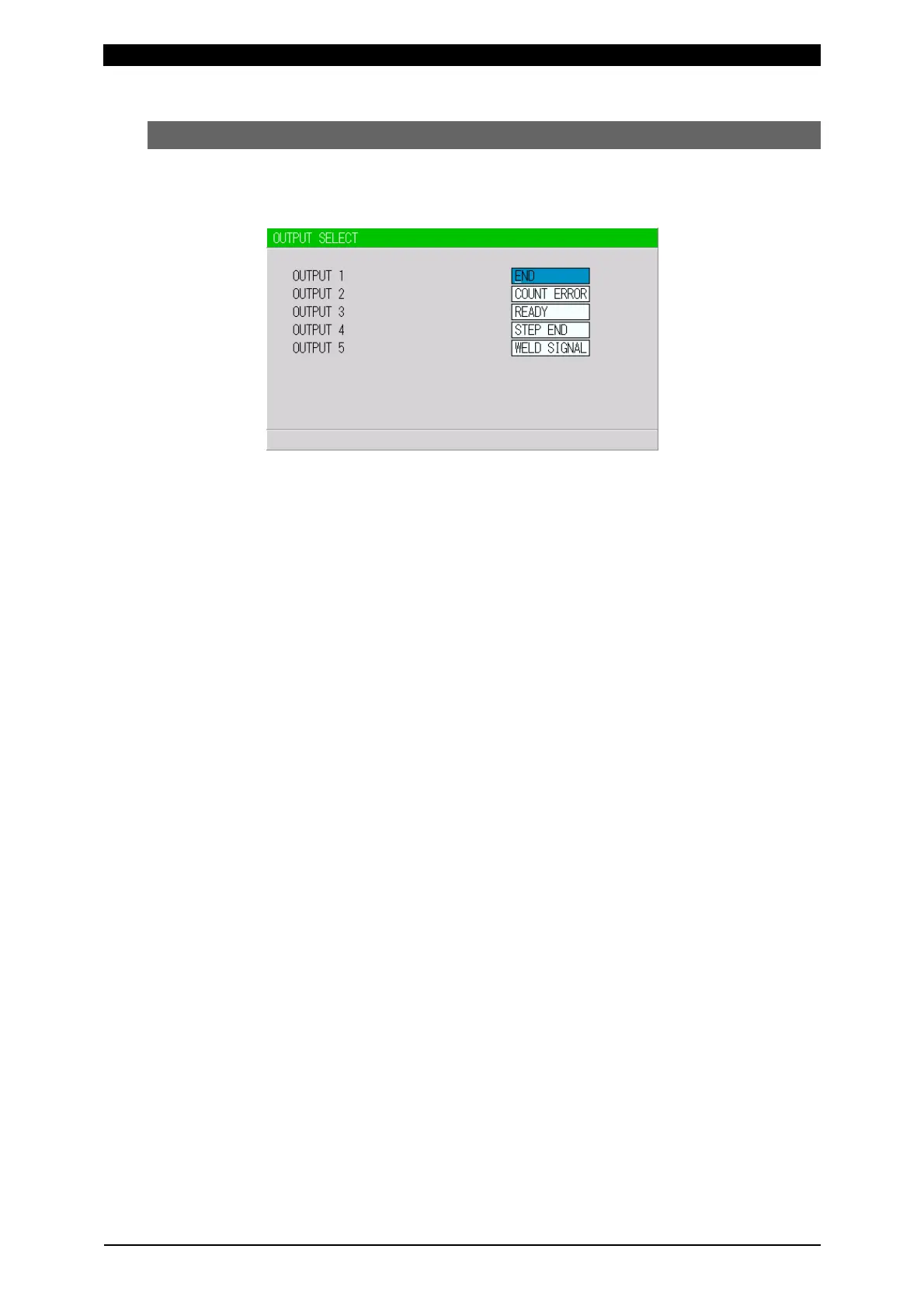
(7) OUTPUT SELECT Screen
Sets the output signals OUT1 (Pin 28) to OUT5 (Pin 32) of the external output
signals. For the contents of each output signal, refer to 6.(3).
(This screen shows initial settings.)
Pressing +ON key switches the signal in the following order (in the reverse
direction when pressing -OFF key):
END (end signal) → COUNT ERROR (count error signal) → READY (ready signal)
→ STEP END (step end signal) → WELD SIGNAL (welding timing signal)
→ GOOD (normal signal) → COUNT UP (count up signal)
→ OUT I (OUT I timing output) → OUT II (OUT II timing output)
For output timings of END, WELD SIGNAL, GOOD, OUT I, and OUT II, see 8.
Timing Chart.



 To Next Page