IS-300A
4. How to Operate Screens
4-49
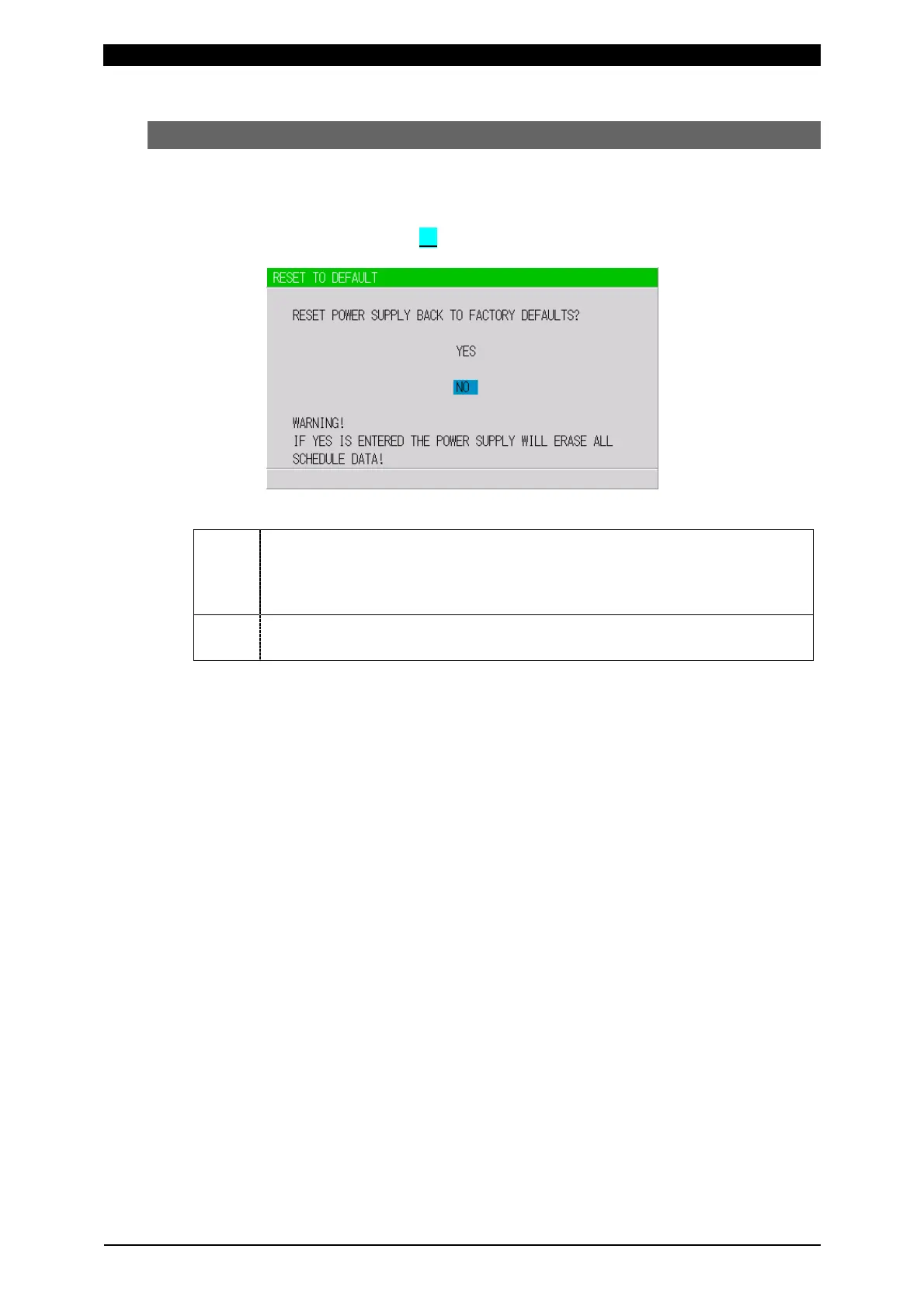
(14) RESET TO DEFAULT Screen
This screen is used to initialize the Power Supply’s memory (i.e., to restore the
initial settings).
Initialization will not clear the memory of MA-660A.
To initialize, move the cursor ( ) over YES or NO and press the ENTER key.
YES
Initializes the Power Supply memory (restores the initial settings). After
initialization, the screen will reflect the settings shown in this chapter.
Wait for about 10 seconds when turning off the power supply after
initialization.
NO
Returns the display to the MENU screen without initializing the Power
Supply memory.



 To Next Page