IS-300A
4. How to Operate Screens
4-1
4. How to Operate Screens
ATTENTION
The Power Supply writes data into the flash memory on the control board when a
setting is changed or a schedule data is copied. The READY lamp on the front panel
and the external READY signal are turned off during writing. Check that the READY
lamp is turned on to start welding.
It takes about 5 seconds at longest to change a setting and about 2 minutes to copy a
schedule into the flash memory. During that time, do not turn off the power.
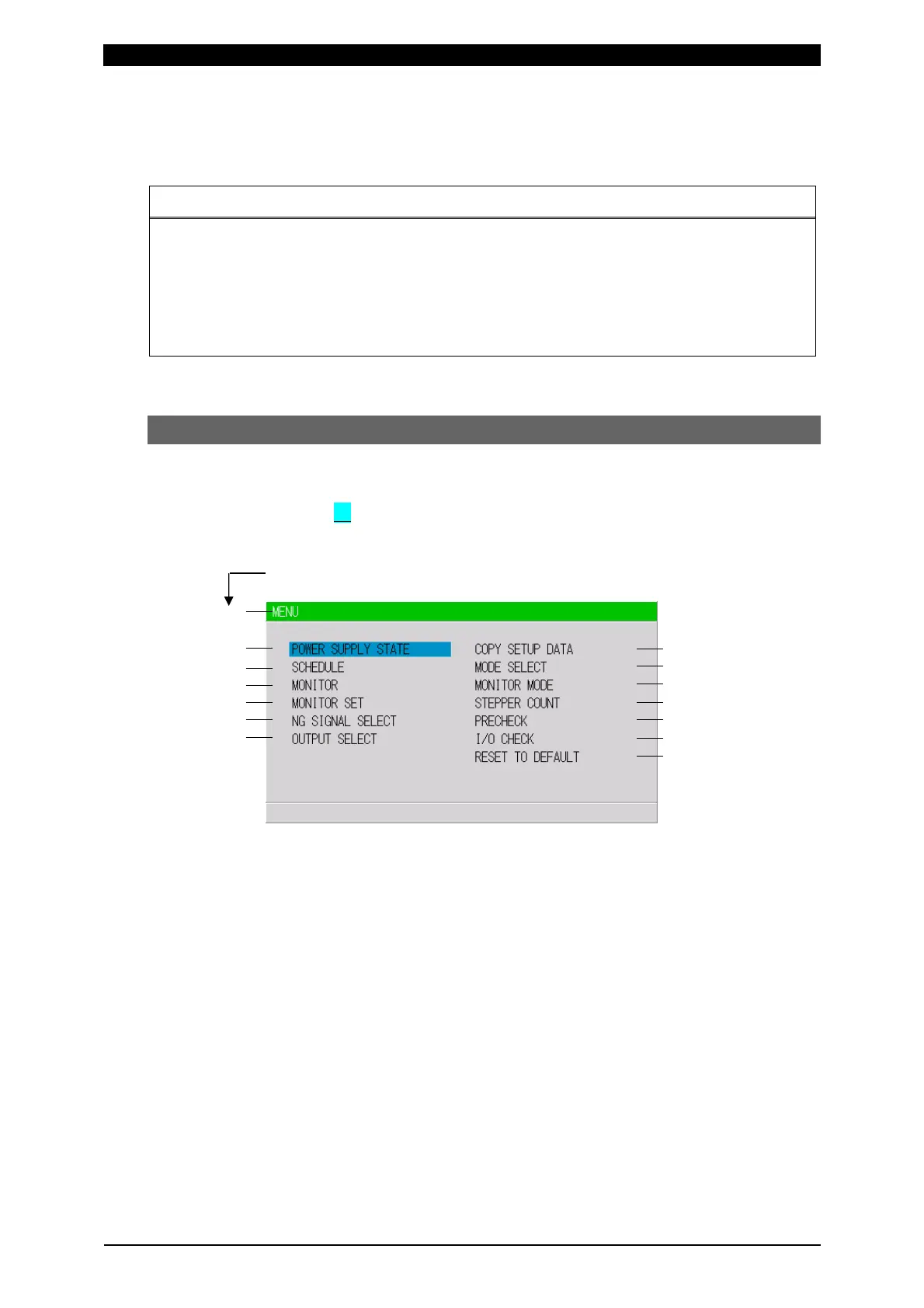
(1) MENU Screen
The MA-660A has various functions that are set from the respective screens. The
MENU screen displays these functions in menu form.
Move the cursor ( ) to the desired item; press the ENTER key to move to the
selected screen.
The numbers (1) to (14) indicate the paragraph No. within the chapter.
(1)
(2)
(3)
(4)
(5)
(6)
(7)
(8)
(9)
(10)
(11)
(12)
(13)
(14)



 To Next Page