IS-300A
12. Maintenance
12-2
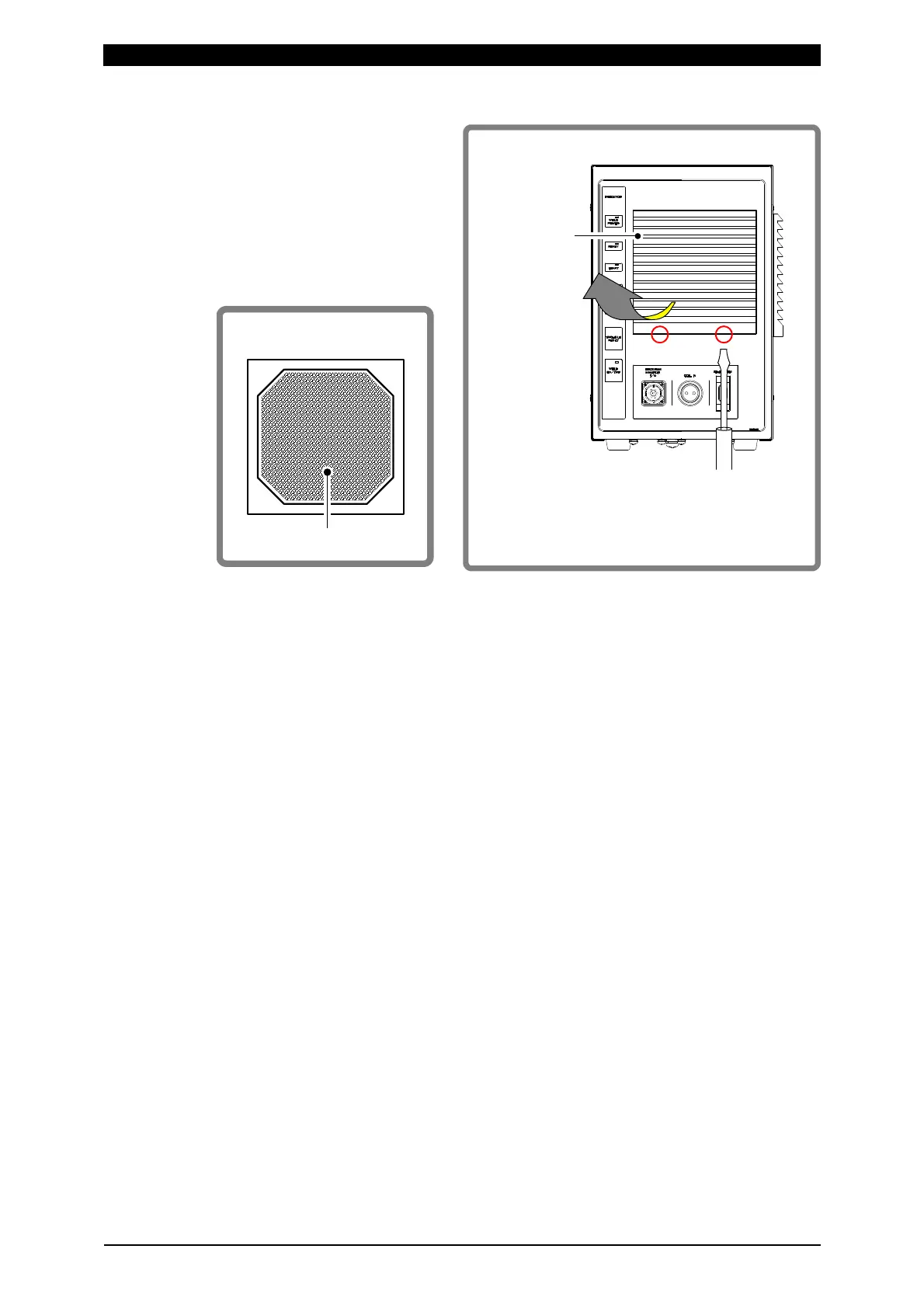
Remove the filter cover with a
narrow screwdriver as shown
in the right-hand figure.
Filter is inside the filter cover
(See figure below).
Remove it and cleanse with
neutral detergent water.
After drying the filter, return it (a new one when replacing) onto the filter cover.
Secure the filter covers to the intake and outlet.
Filter
cover
i)
Insert a screwdriver into
holes (circled in the figure)
on bottom of filter.
ii)
Pull filter
cover toward
you to remove.
Reverse side
Filter



 To Next Page