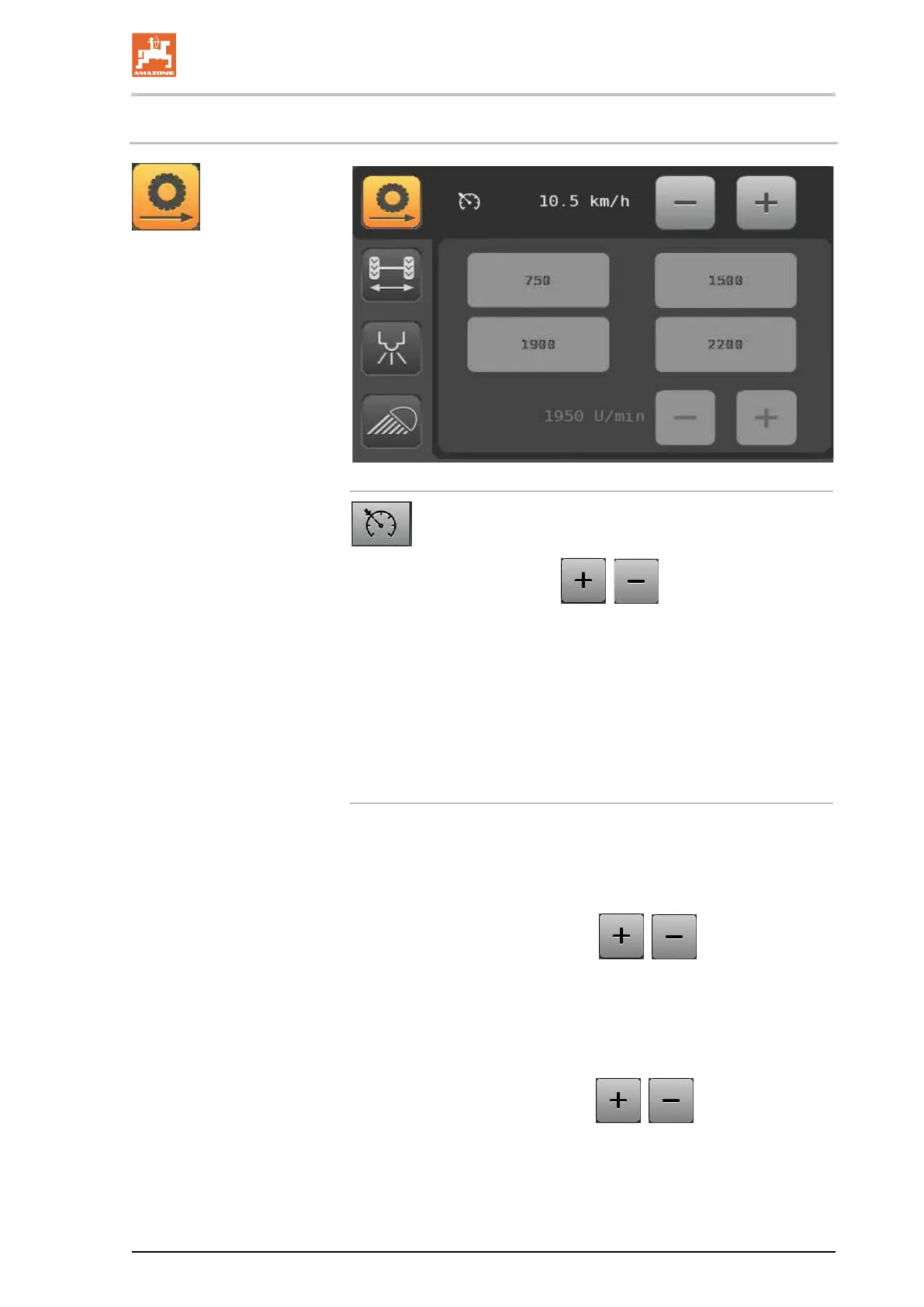
AMADRIVE control terminal
BAG0166.5 12.18
7.5 Drive submenu
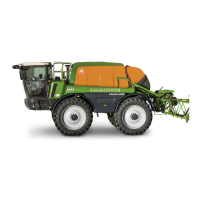
Cruise control function in field mode
First activate the speed control in the menu bar.
• Setting the set speed via
, .
→ The set speed set is displayed.
• When the driver moves the multi-function stick into the foremost
position, the Pantera will accelerate to the set speed.
• The speed can be adapted to the situation at any time - the
cruise control remains active.
• The cruise control cannot be activated in road mode.
Directly select the engine speed
(only if ECO mode is deactivated and the Field mode is activat-
ed):
• Direct engine speed selection by pressing one of the four pre-
assigned function fields.
• Select the engine speed using
,
→ The engine speed set is displayed.
→ Maximum engine speed 2000 rpm.
Assign required engine speed to function fields:
1. Selection of the engine speed
,
2. To directly select any function field, press it for 3 seconds.
→ Function field is saved with the value displayed.




 To Next Page