Cleaning, maintenance and repair
BAG0166.5 12.18
13.7.2 Pumps
13.7.2.1 Check the oil level
• Only use branded oil 20W30 or
multi-purpose oil 15W40!
•
Check that the oil level is correct!
Damage may be caused both by
the oil level being too low or too
high.
• Foam generation and cloudy oil
are signs of a faulty pump mem-
brane.
199
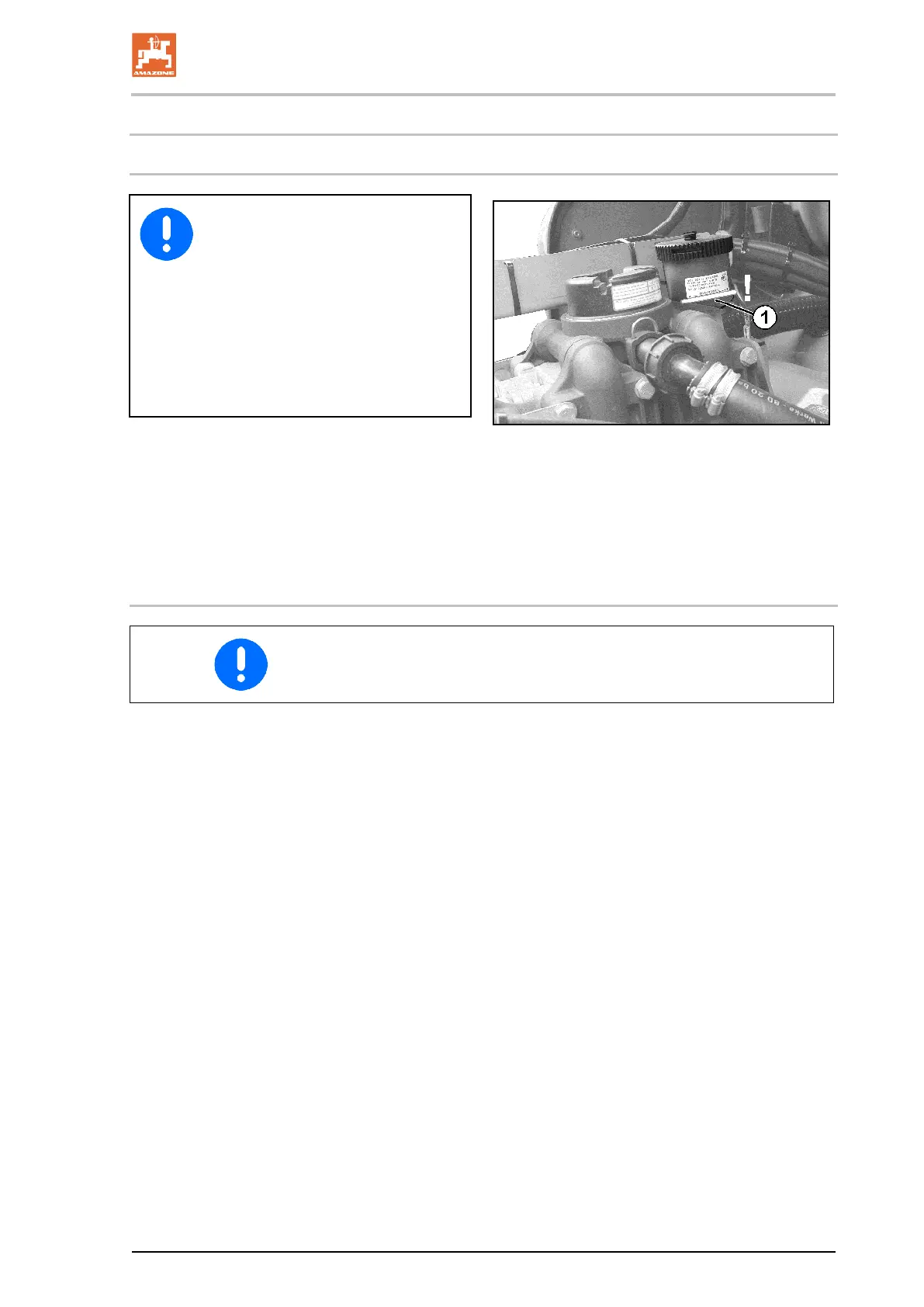
1. Check whether the oil level in the inspection
window is visible when the pump is running
2. If necessary, refill oil when the pump is not
running (maximum up to the marker (Fig.
198/1).
13.7.2.2 Changing the oil
• After a few operating hours, check the oil level; top up if neces-
sary.
1. Remove the pump.
2. Remove the cover.
3. Drain the oil.
3.1 Turn the pump on its head.
3.2 Rotate the drive shaft by hand until the used oil has all run
out.
The option also exists to drain the oil from the drain plug.
However, with this procedure a slight oil residue remains in
the pump; we therefore recommend the first approach.
4. Place the pump on an even surface.
5. Turn the drive shaft left and right alternately and slowly fill with
new oil. T
he right quantity of oil has been reached when the oil is
visible at the mark (Fig. 198/1).



 To Next Page