ANAFI Ai
26
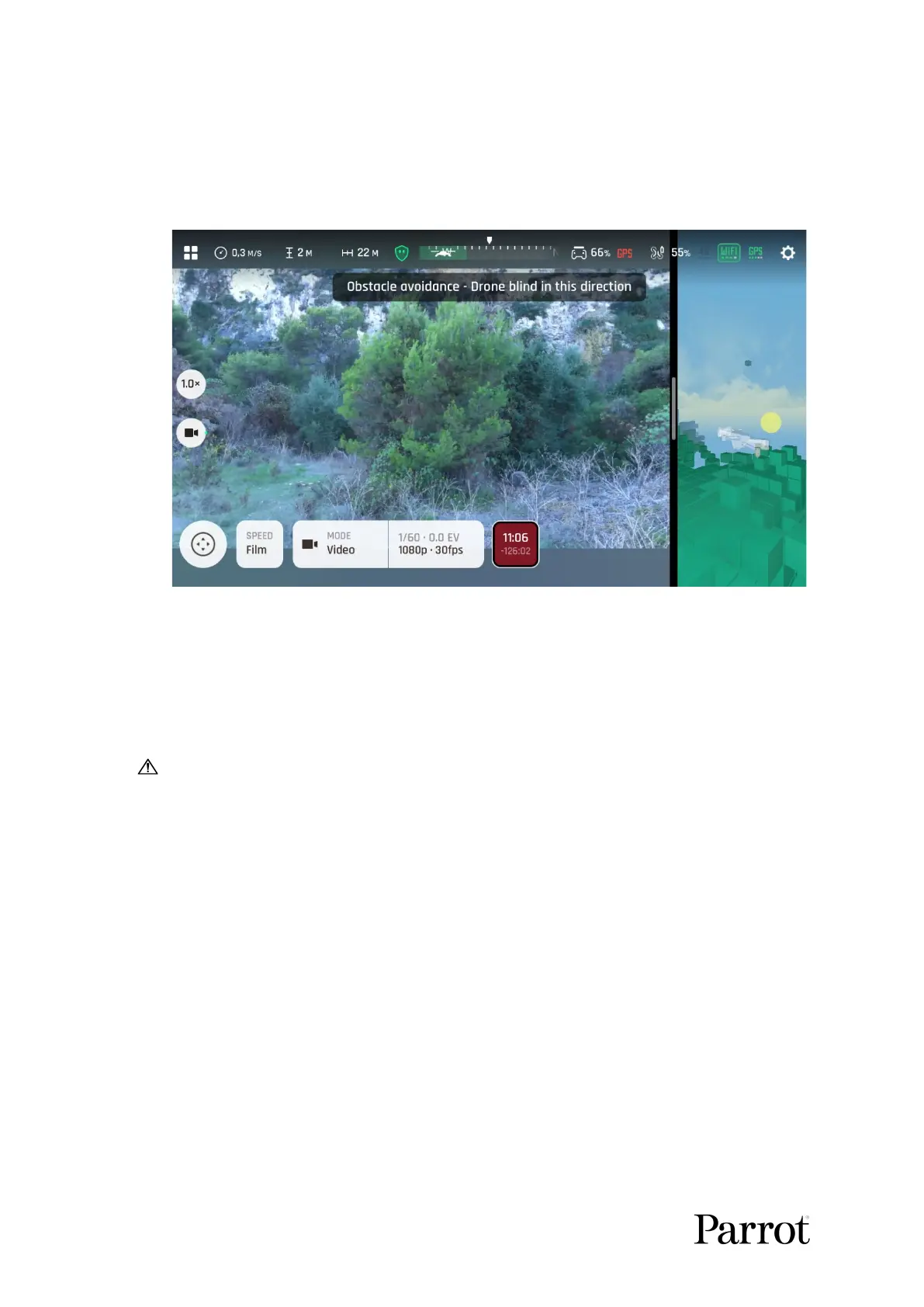
When you fly the drone in a direction where the OA cannot detect obstacles (directly
sideways or sideways and toward the back), a notification appears on your screen as on
the screenshot below.
“Drone blind” notification
Face the drone in the direction of the motion to avoid getting this notification.
Obstacle avoidance and automated flights
During automated flights, the drone manages its trajectory to keep the OA fully
functional.
However, users must carefully plan and monitor their automated flights in the
following conditions, as the OA might not work optimally.
- Dynamic (moving) environments.
- In front of surfaces or objects that are:
o monochrome (plain white or black, on any other color without
distinct texture or motive);
o reflective;
o water based or transparent;
o mobile;
o very dark or very bright.
- In areas where the lighting conditions change drastically or very rapidly.
- In rainy conditions.



 To Next Page