v.early.1.03 – published on December 20, 2021
45
MEDIA RETRIEVAL
Installing and retrieving the microSD card
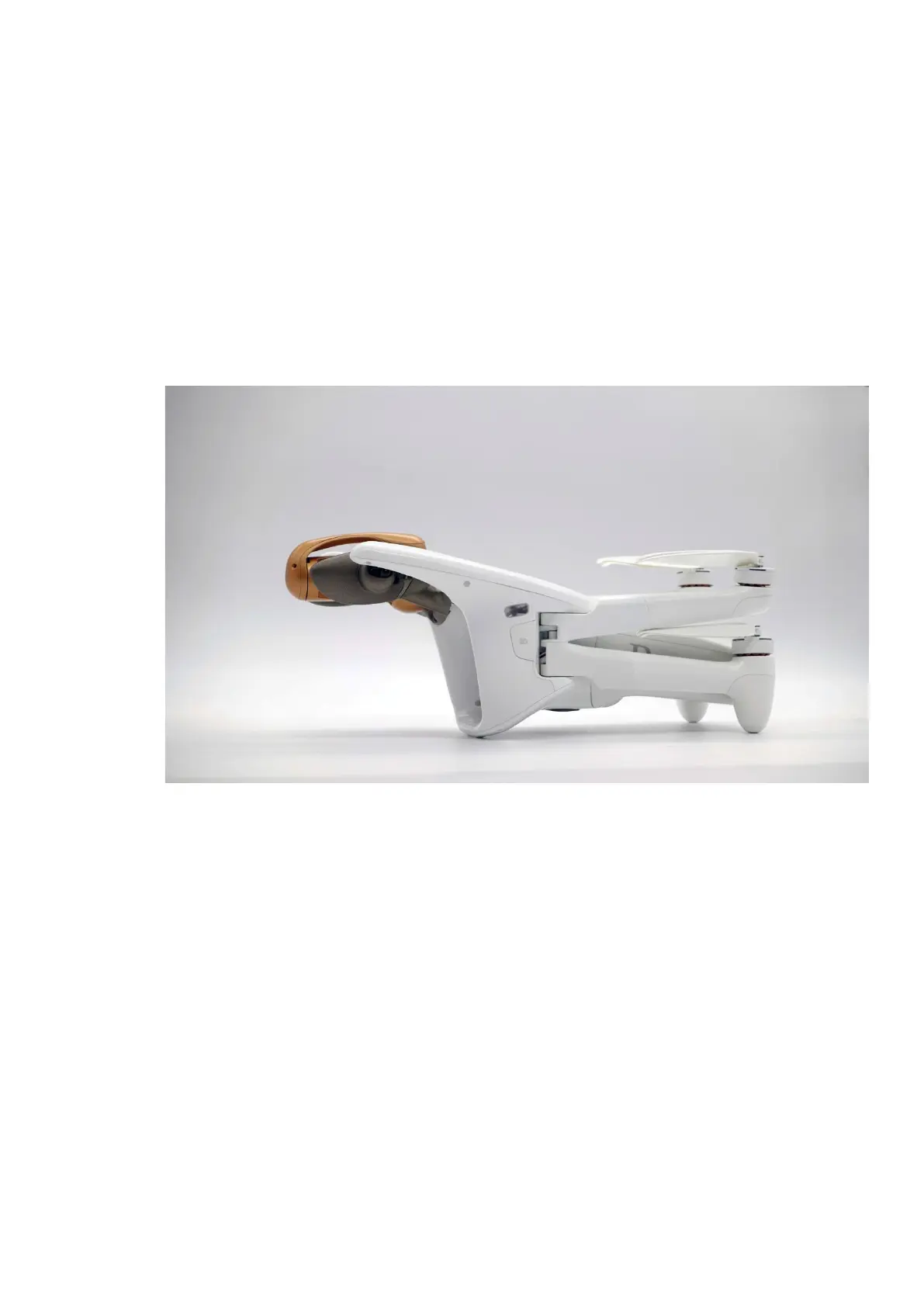
The micro SD card slot of ANAFI Ai is located on the left side of the drone, under
the “SD” cover. To install the micro SD card, lift the cover open and insert the micro
SD card straight into the slot, shortest side first and connectors turned to the back
of the drone.
To retrieve the micro SD card, press the card and extract it.
Retrieving photos and videos
Use a microSD to SD card adapter to transfer videos and photos you have taken
with ANAFI Ai to your computer. Slide the microSD card into the adapter and use
the adapter how you would use any other SD card: access your videos and photos
through a card reader or the SD card slot of your computer. Copy your videos and
photos to the hard drive of your computer to edit, store, and manage your media.
Compatible microSD cards
Refer to Parrot online documentation for an updated list of ANAFI Ai compatible
microSD cards.
Direct media retrieval (drone to computer)
You can also retrieve your media directly from ANAFI Ai, without extracting the
microSD card.



 To Next Page