ANAFI Ai
88
Grid
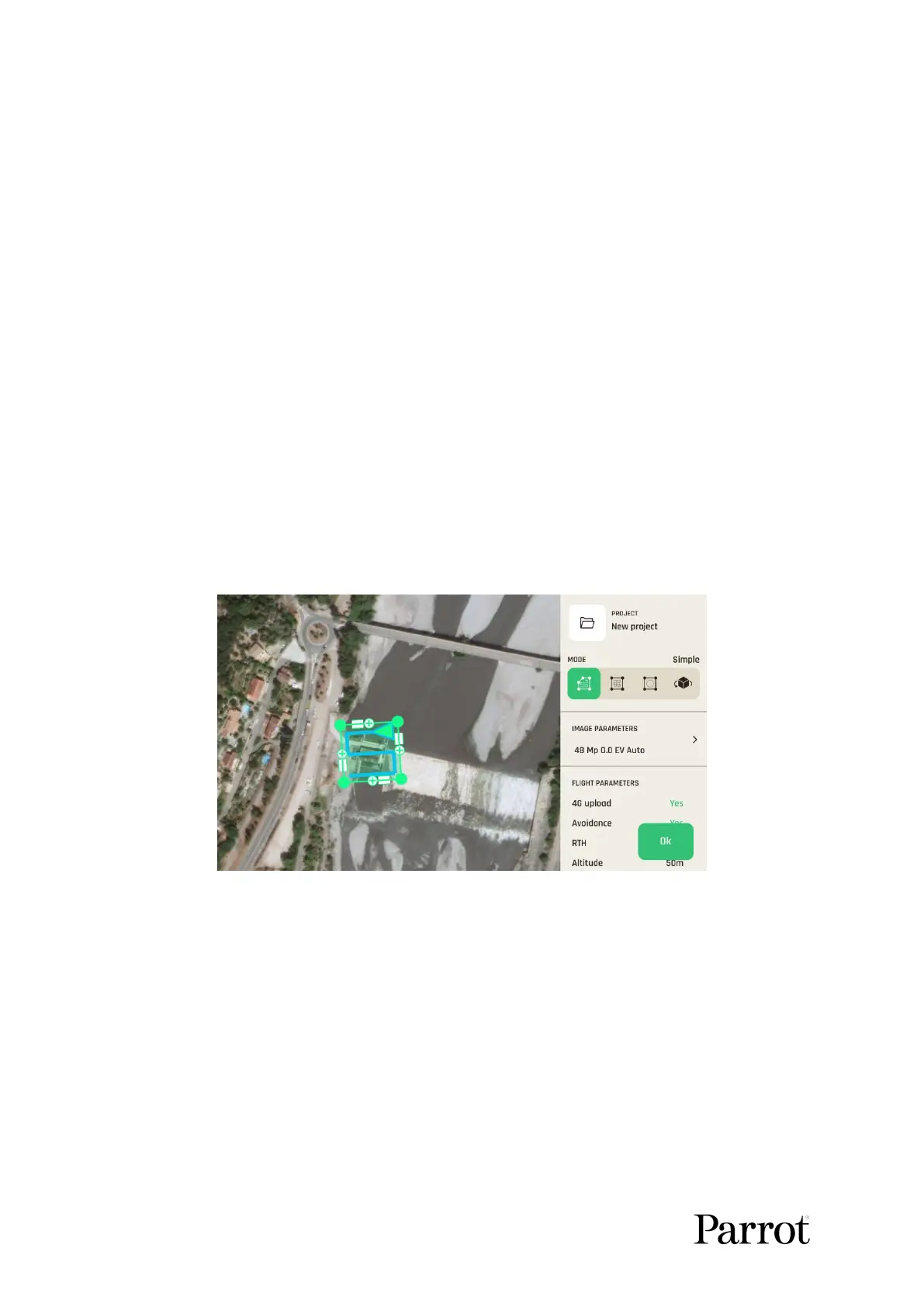
Simple grid photogrammetry flights are useful to create 2D maps. Simple grids can be
precisely adapted to any shape, to match the borders of a field or a coastline, for example.
Follow these steps to program and launch a simple grid mapping flight.
Tap the map to create a square grid.
Tap and slide the green corners of the square to adapt the grid to the zone you want
to map.
Tap any “+” sign to create a new segment and a new corner.
Select a flight altitude (the higher, the shorter the flight, but the lesser details on the
map).
Select a side overlap.
Select a front overlap.
Select a camera angle.
Select a drone speed.
Select your RTH option (Yes or No)
Select your 4G upload option (Yes or No)
Tap “Done” when ready.
Tap “Play” to launch the flight.
FreeFlight
7:
Grid photogrammetry
Double grid
Double grid photogrammetry flights are useful to create 3D maps or 3D models of square
areas. Follow these steps to program and launch a double grid mapping flight.
Tap the map to create a square grid.
Tap and slide the green corners of the square to adapt the grid to the zone you want
to map.
Select a flight altitude (the higher, the shorter the flight, but the lesser details on the
map).
Select a side overlap.



 To Next Page