v.early.1.03 – published on December 20, 2021
53
Interface
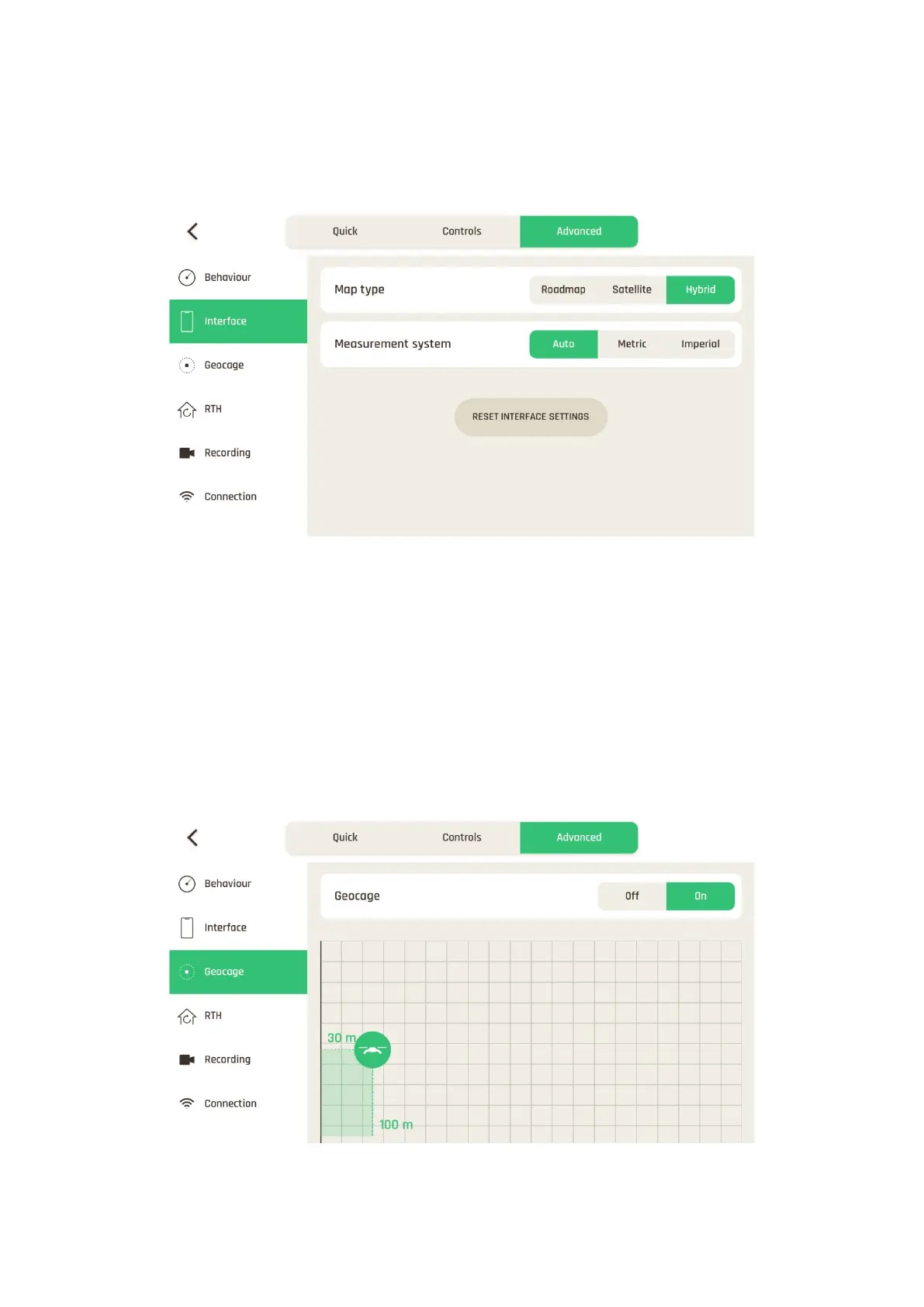
For each item, Map type or Measurement system, tap an option to select it.
Interface settings
Tap “RESET INTERFACE SETTINGS” on the bottom of the page to reset to default.
Geocage
The Geocage is activated (“On”) by default, with the following values:
- Height: 30 m (configurable from 1 m to 150 m)
- Distance: 100 m (configurable from 10 m to 4 km)
Tap “Off” to deactivate or tap and slide the drone to set new values.
Geocage settings



 To Next Page