ANAFI Ai
66
GIMBAL TILT AND ZOOM CONTROLS
ANAFI Ai features a controllable gimbal (180° tilt range, from nadir to zenith) and a
6x zoom. This section presents these features and the way to activate them.
Gimbal tilt control
ANAFI Ai’s gimbal tilt control is activated through the left trigger of Parrot
Skycontroller 4. It is available in all video and photo modes, and in all manual piloting
modes.
To aim the gimbal toward the ground, push the tilt control trigger down.
To aim the gimbal toward the sky, pull the tilt control trigger up.
To reset the gimbal tilt to a horizontal position, press the optics reset button on
the left of Parrot Skycontroller 4 (this action also resets the zoom factor of the
lens to 1x).
Zoom control
ANAFI Ai’s zoom control is activated through the right trigger of Parrot Skycontroller 4.
It is available in all video modes, and in JPEG RECT photo mode (with an impact on the
final resolution of your pictures). WIDE photo modes imply the use and rendering of all
48MP delivered by ANAFI Ai’s CMOS sensor: zoom is deactivated in both WIDE photo
modes.
To zoom in on a subject, push the zoom trigger down.
To zoom out, pull the zoom trigger up.
Pressing the optics reset button on the left of Parrot Skycontroller 4 instantly
resets the zoom factor of the lens to 1x (this action also resets the gimbal tilt to a
horizontal position).
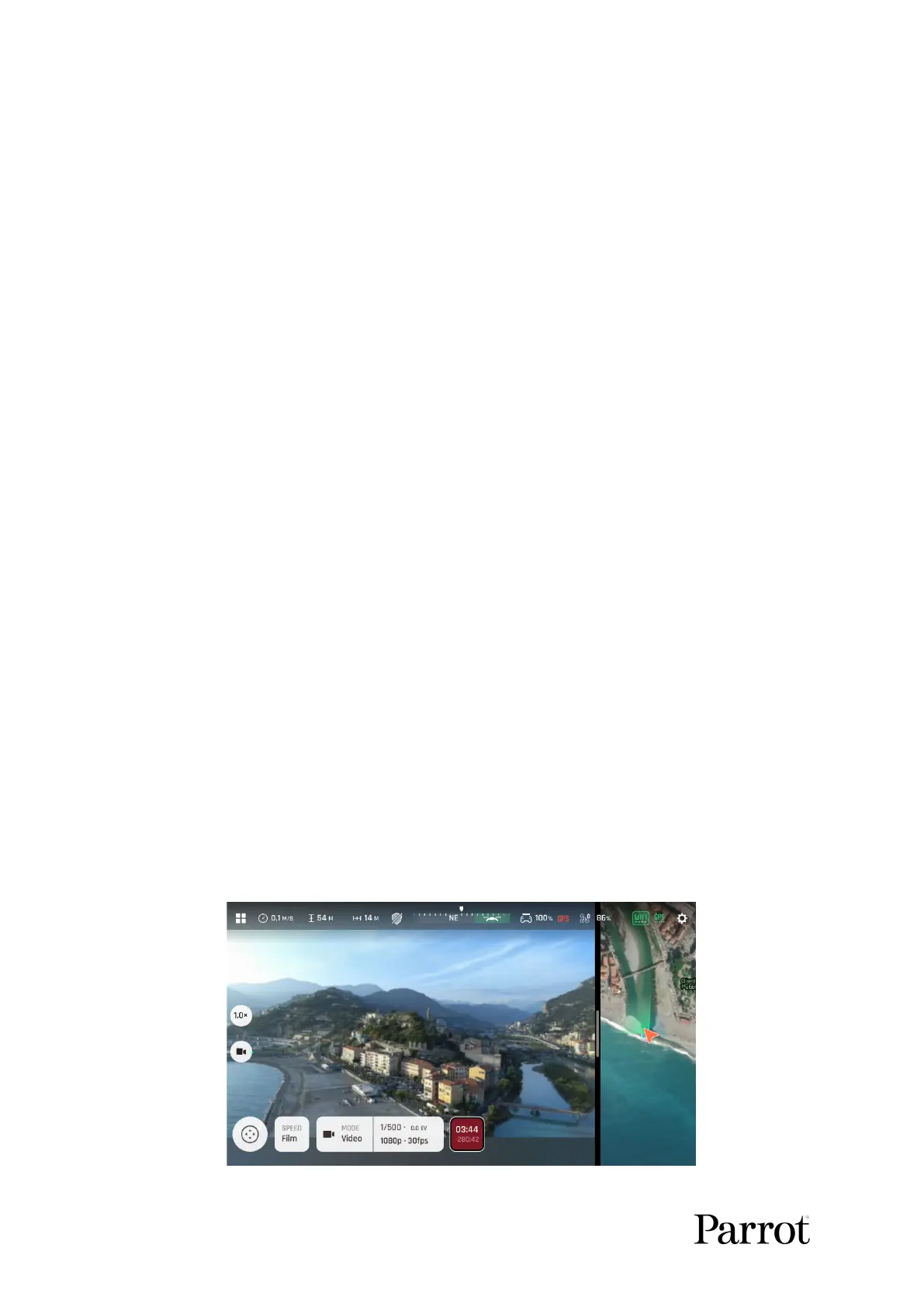
The HUD of FreeFlight 7 presents precise, decimal-by-decimal zoom information at
all times, in the middle of the left side of the screen, as shown on the following
screenshots.
1080p 1x zoom



 To Next Page