ANAFI Ai
42
SMART LIPO BATTERY
ANAFI Ai’s smart LiPo battery is preinstalled on the drone. It can be charged whether
it is installed on ANAFI Ai, or not.
Battery removal
To remove the smart battery from the drone, unfold the arms of ANAFI Ai and
press the push-button located under the battery and disengage it from the drone.
Battery installation
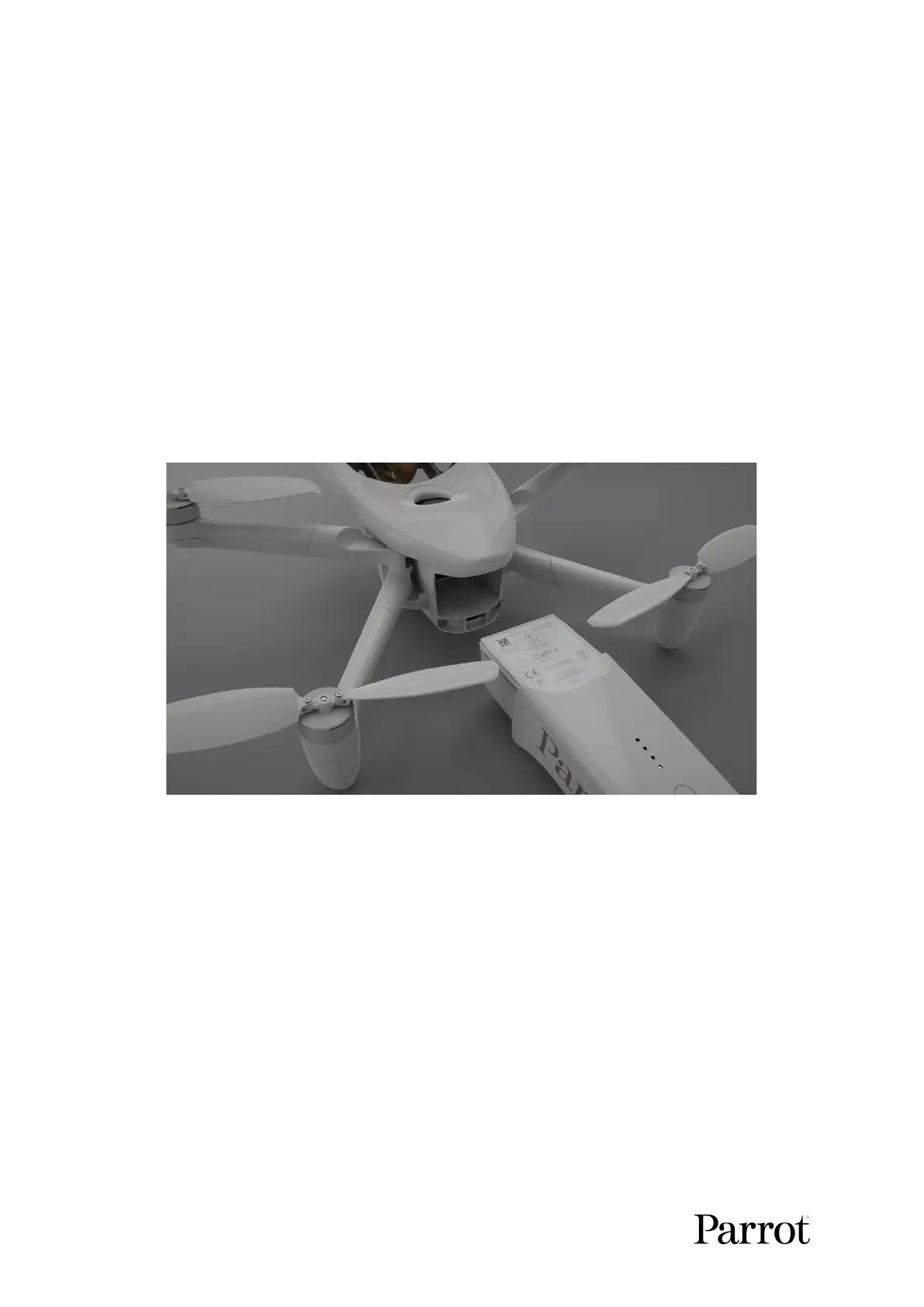
To install the smart battery back on the drone, unfold the arms of ANAFI Ai, slide
the battery firmly into the drone until you feel and hear the battery clicking into the
body of the drone. Check that the battery is tightly secured into the drone. You are
set.
ANAFI
Ai
: battery ready for installation
Battery charging
To charge ANAFI Ai’s smart LiPo battery, use one of the enclosed USB-C to
USB-C cable to plug the battery to its charger, or to:
o a tabletop or laptop computer’s USB-C port;
o a power bank’s USB-C port.
Full charging time depends on charger specifications and ambient temperature. At 20°C,
you can expect charging your battery in 2 hours.



 To Next Page