v.early.1.03 – published on December 20, 2021
91
TROUBLESHOOTING
This section describes procedures which enable you to troubleshoot most issues you can
encounter using ANAFI Ai.
In addition, drone and controller resetting procedures can prove useful before a change of
operator or operating structure, for example.
Rebooting all systems
The first intent procedure, when the ecosystem does not perform as expected, is to power
off and reboot all elements of the ecosystem:
- device (kill FreeFlight 7 and reboot);
- Skycontroller 4;
- ANAFI Ai.
Reinstalling FreeFlight 7
If you feel you must delete and reinstall FreeFlight 7 (for example if you suspect a conflict
with a recent iOS update), remember to back up all your device FreeFlight 7 media, as
they will be deleted with the application.
Resetting ANAFI Ai
Resetting ANAFI Ai reverts the drone back to its latest firmware update: it cleans all
media, logs and credentials from the drone. For this reason, remember to back up all your
“Drone memory” FreeFlight 7 media before resetting ANAFI Ai.
To reset ANAFI Ai, press and hold the drone’s power button for approximately
10 seconds, until one of the LED flashes in red, then release the button immediately.
The drone reboots. The reset is successful.
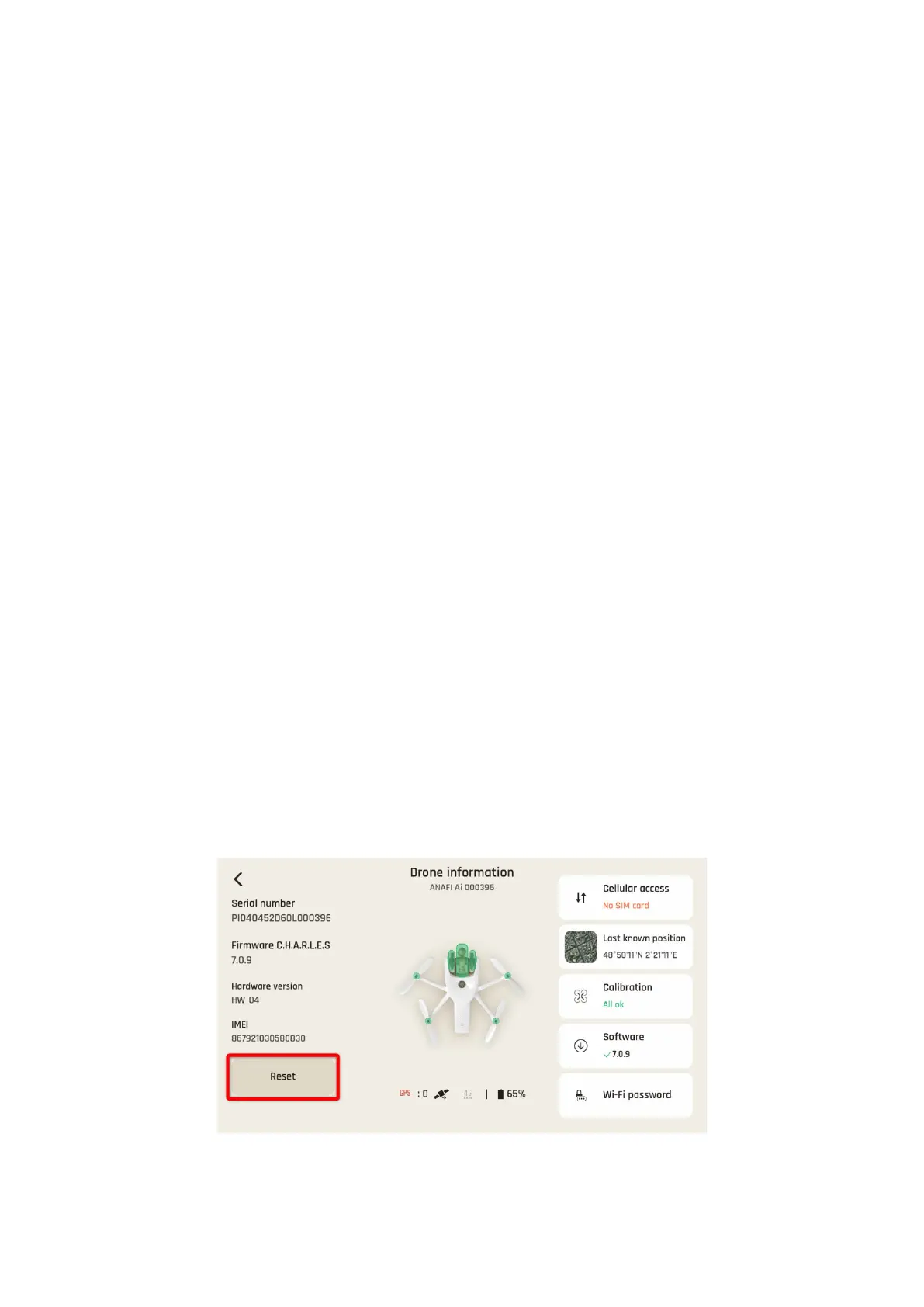
The same procedure can be carried out through the “Reset” button of ANAFI Ai’s
page, in FreeFlight 7.
FreeFlight
7:
Position of the reset button on the ANAFI Ai page



 To Next Page