v.early.1.03 – published on December 20, 2021
37
TAKING OFF
Ground take-off
Position ANAFI Ai on a flat, even, and clear surface.
Power it on, move at least 2 m (6 ft) away from ANAFI Ai and check that the
surroundings of the drone are absolutely clear.
Press the button on your Parrot Skycontroller 4.
ANAFI Ai takes off and stabilizes at 1 m (3 ft) from the ground, waiting for
commands from the pilot.
Hand launch
Be especially careful when you hand launch ANAFI Ai. This procedure is safe
provided you are not distracted or startled by an outside event with a live drone
in your hand: concentrate on what you are doing, but always stay aware of your
surroundings.
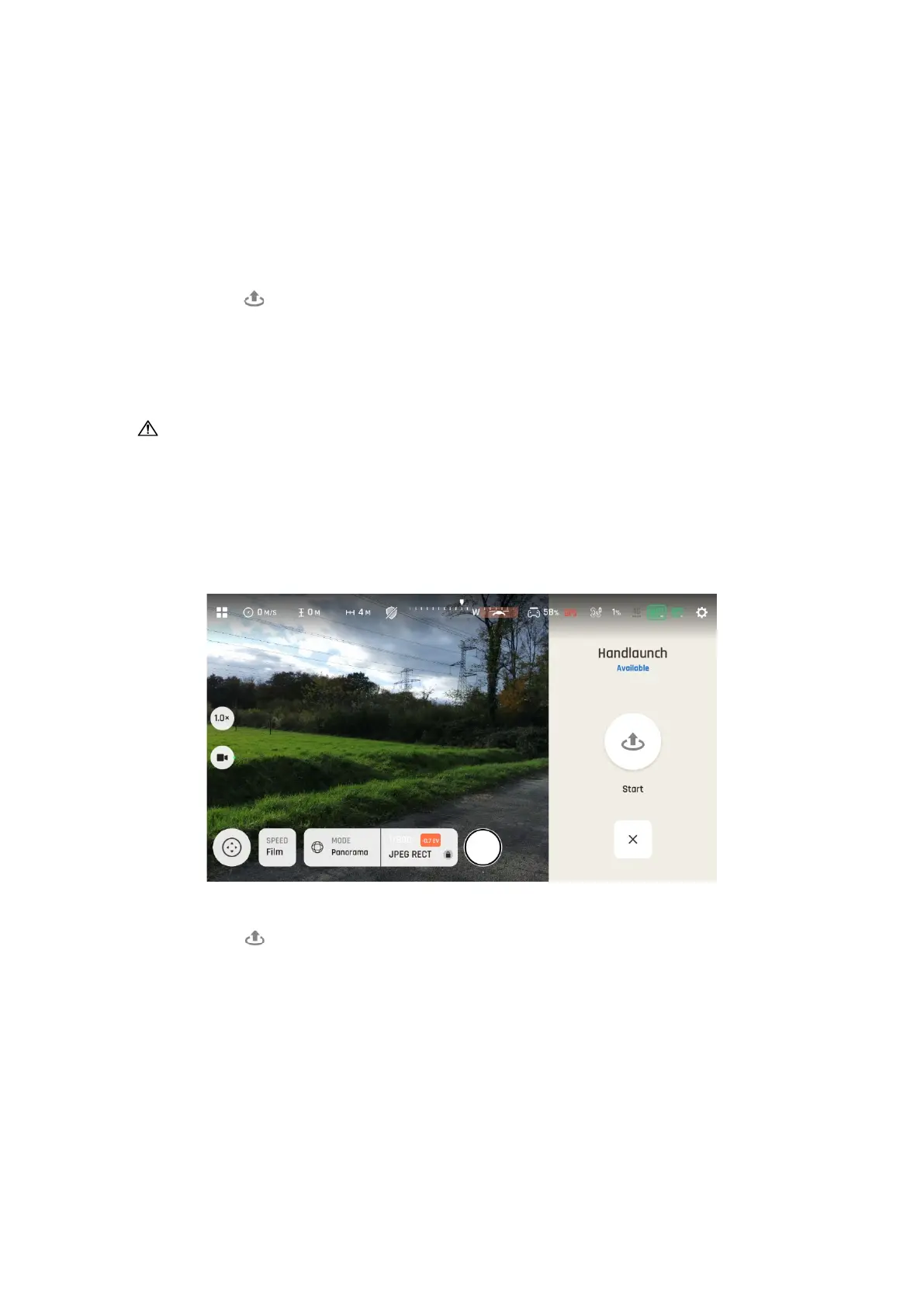
Power ANAFI Ai on and position the drone on your flat, open hand. On the left of
the screen of your device, a “Handlaunch Available” interface appears.
“Hand Launch” Screen
Press the button on your Parrot Skycontroller 4, or tap the icon on the screen
of your device. The drone’s blades start rotating and ANAFI Ai takes off. It
stabilizes, waiting for commands from the pilot.



 To Next Page