v.early.1.03 – published on December 20, 2021
57
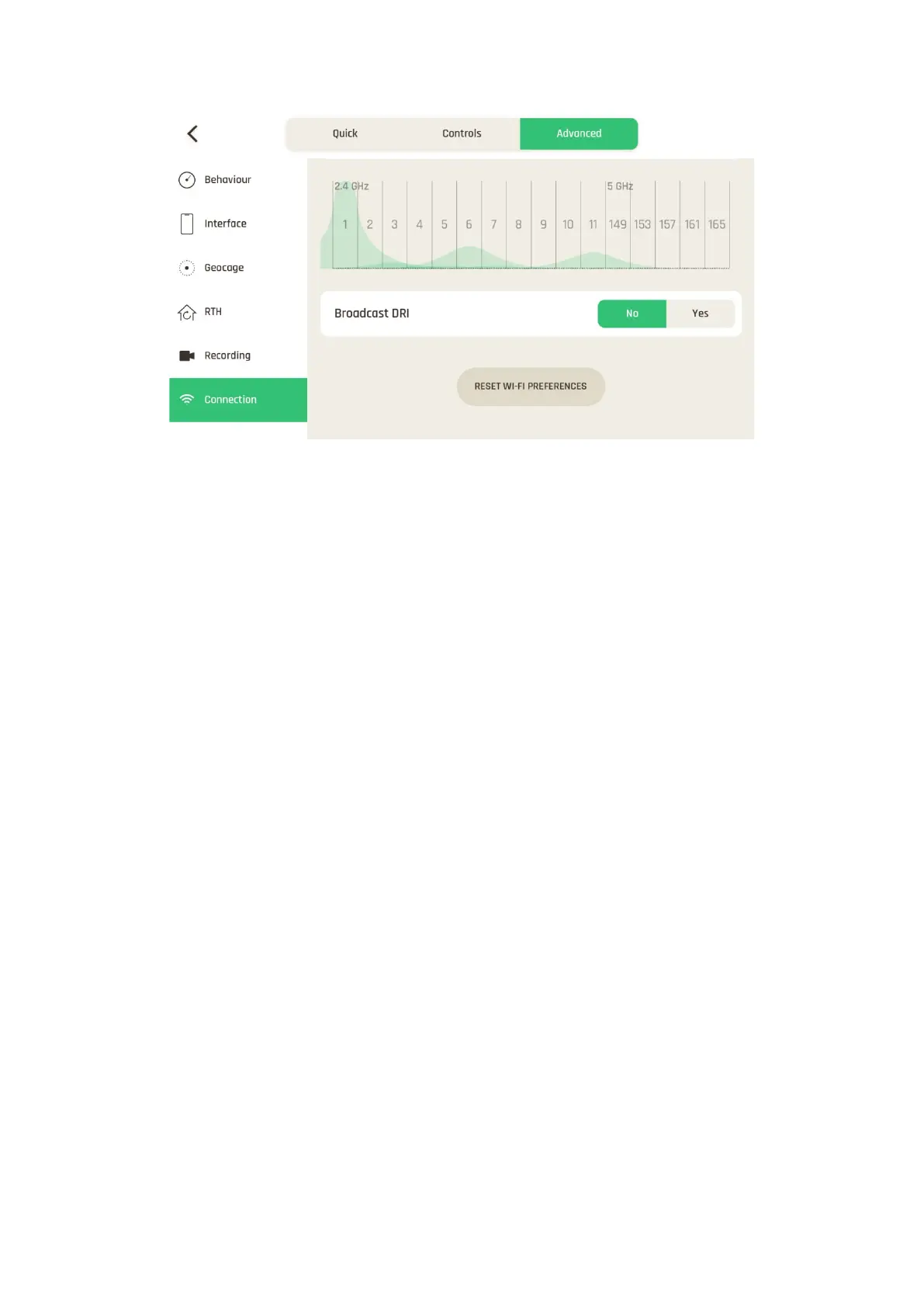
Connection settings: DRI broadcast
About Network preference: the “Auto” (default) option lets the drone manage its
connections.
Use other options to adapt to your flight conditions: “4G priority” relies on the 4G network
as long as it is available, before switching to Wi-Fi; “Wi-Fi priority” relies on the Wi-Fi
connection as long as it is available, before switching to 4G. Be aware that 4G connection
and in flight 4G data sharing may generate a charge, according to the 4G data plan
associated to your nano SIM card.
About Direct Remote Identification (DRI): the DRI system makes your drone locally
broadcast information about itself for regulatory compliance (where applicable).
Tap “RESET WI-FI PREFERENCES” on the bottom of the page to reset to default.
FreeFlight 7 must be connected to ANAFI Ai for this button to appear.



 To Next Page