v.early.1.03 – published on December 20, 2021
61
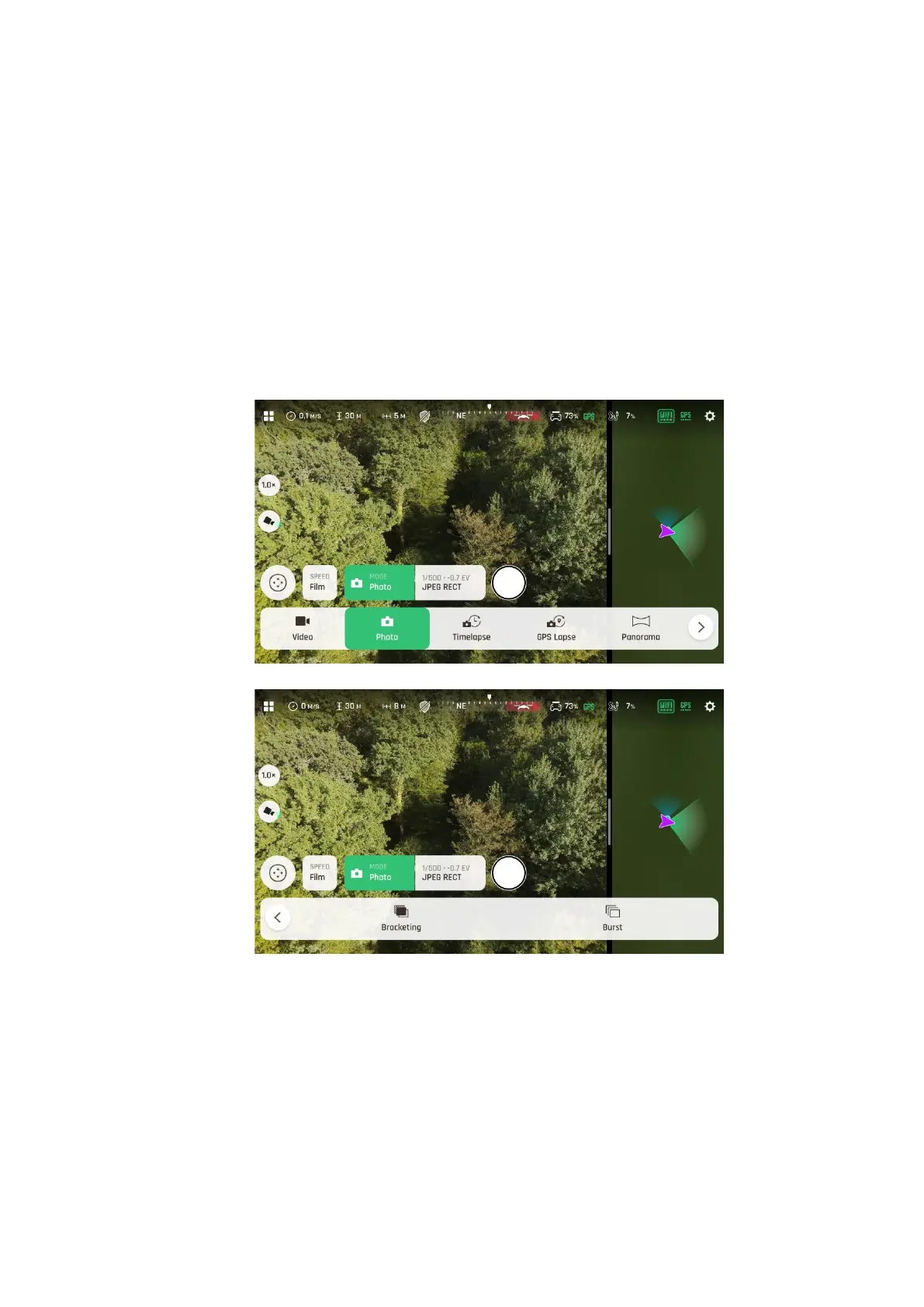
Available photo formats for each photo mode are as follows:
Photo (Single): JPEG RECT, JPEG WIDE, DNG+JPEG (RECT or WIDE)
Timelapse: JPEG RECT only
GPS Lapse: JPEG RECT only
Panorama: JPEG RECT only
Bracketing: JPEG RECT, JPEG WIDE, DNG+JPEG (RECT or WIDE)
Burst: JPEG RECT, JPEG WIDE
Tap a format (JPEG RECT, or JPEG WIDE if available, or any DNG+JPEG format if
available) to select it.
Tap the “Imaging” box again to close the sub-boxes and confirm your choice.
Photo options
When you are happy with your settings and your framing, press the hard shutter button on
the right of the Parrot Skycontroller 4 (or tap the soft shutter button of the HUD) to take
a photo.
In “Photo” mode, the screen flashes in black and white to confirm a picture has been
taken.



 To Next Page