ANAFI Ai
64
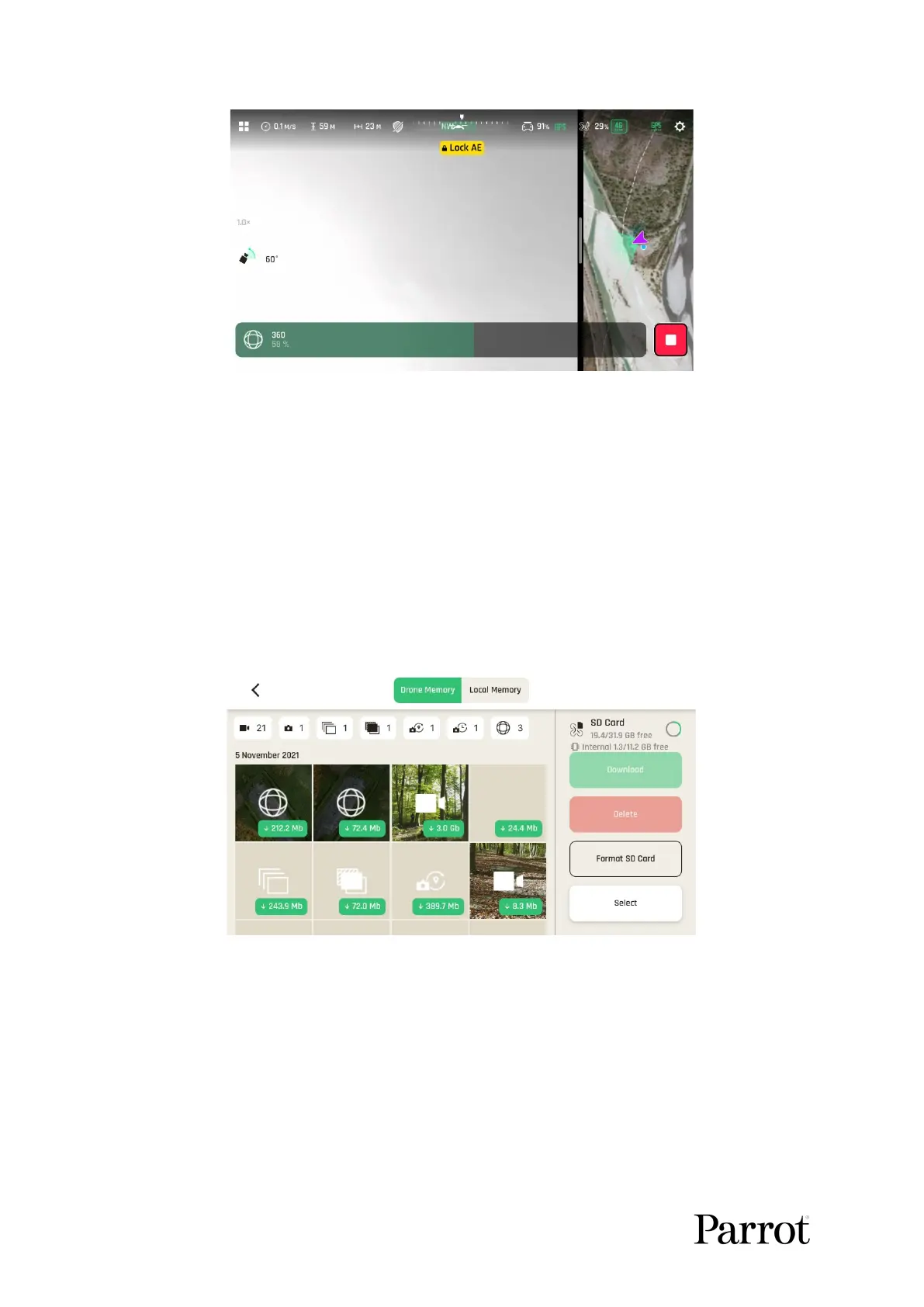
Panorama in progress
Panorama types capture characteristics:
Vertical: ANAFI Ai takes 8 photos in about 20 seconds
Horizontal: ANAFI Ai takes 10 photos in about 20 seconds
360: ANAFI Ai takes 42 photos in about 85 seconds
Super Wide: ANAFI Ai takes 9 photos in about 18 seconds
To download the Panorama pictures to your device, land ANAFI Ai. Then, from
the homepage of FreeFlight 7, tap the Medias page to access the Gallery. Like other
medias, Panoramas are marked with their distinct icon and a green download box,
which shows the size of the corresponding series of pictures. The icon boxes at the
top center of the screen enable you to filter your media.
Drone memory displaying Panoramas
Tap the green box of the Panorama you want to generate to start downloading the
corresponding series of pictures to your device. When the download is complete,
FreeFlight 7 displays a page from where you can delete the downloaded photos: tap
“Keep” to keep the originals on the microSD card; tap “Delete” to delete them.
Select its tab on the left to access the FreeFlight 7 Phone Gallery, which contains
only the media you have downloaded from ANAFI Ai’s microSD card.



 To Next Page