4.2.4 Interfacing to a computer
The instrument can send results to a computer via the serial port located on the
back of the analyzer. This requires a D-sub, 9-pin serial cable (male on instru-
ment side, female on PC side).
Connections:
Urilyzer 100 Host (PC pinout 9-pin)
1 1
2
——————
TxD
——————
2
3
——————
RxD
——————
3
4 4
5
——————
GND
——————
5
6 6
7 7
8 8
9 9
Connected PC must satisfy the electrical safety requirements laid down in EN
60950.
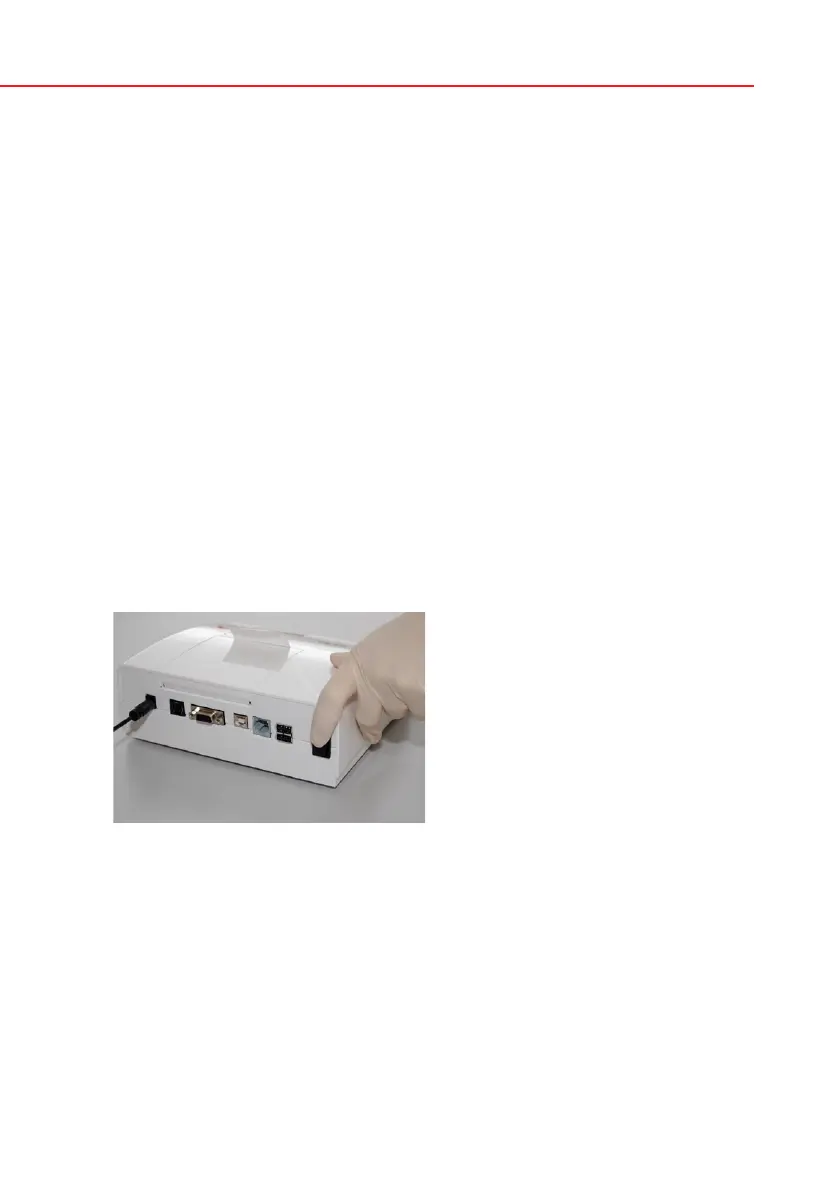
4.2.5 Powering up
Press the On/Off button located at the rear of the instrument. The system starts
with an audible beep.
Picture 9: Powering up


 To Next Page