4.2.3 Loading the paper roll
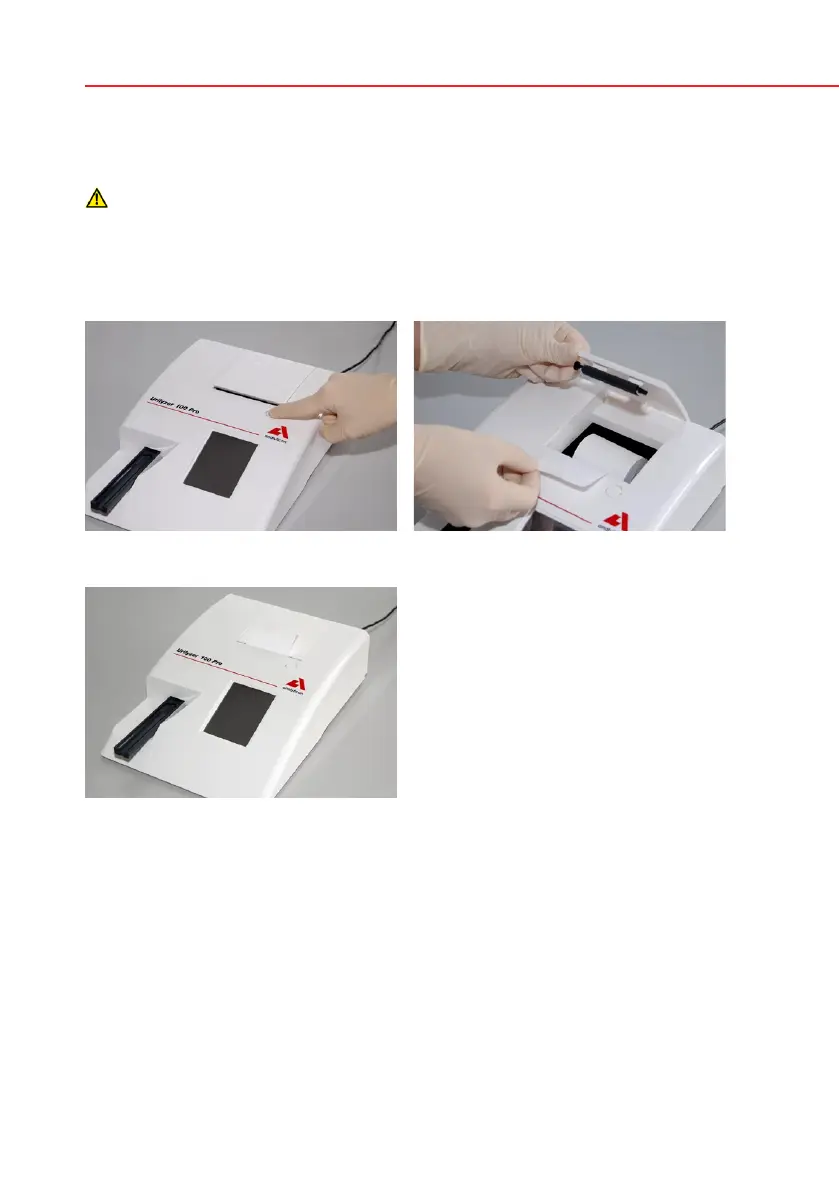
Open the printer cover by pushing the printer cover button. The cover can then
be lifted back.
The printer head may be hot, do not touch it.
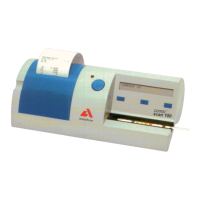
Place the paper roll in the compartment and pull out the first few centimeters of
paper just beyond the edge of the compartment. The thermosensitive side of the
paper (the outer surface of the paper roll) should be facing downwards. Close the
cover again by pressing until it locks audibly into position.
To remove the printed test report, tear off the paper by pulling it towards the
front across the edge.
The analyzer is set up to print the results automatically (to turn off the auto-
matic print function see
7.2.1 Features: Autostart-, print-, transfer- and fast
mode).
Opening the printer cover Loading the printer paper
Analyzer loaded with paper


 To Next Page