55
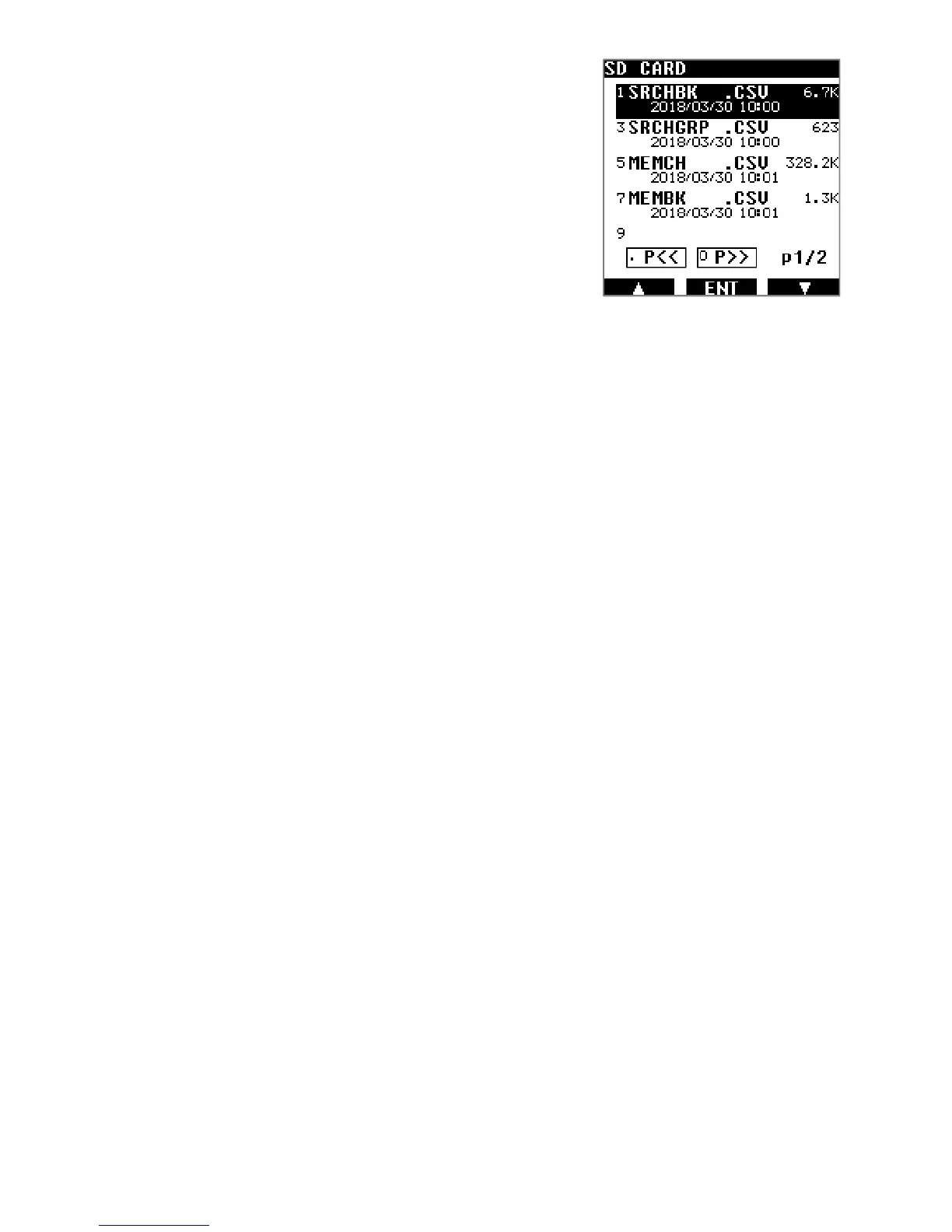
To restore a backup to the receiver, proceed as follows:
1. Long press on [ ● ] and press [ENT].
2. Select the desired backup file using the [▶] button.
3. Press [ENT] to restore that selection to receiver.
◯[WRITING MEMORY] is displayed while data is
being uploaded to the receiver.



 To Next Page