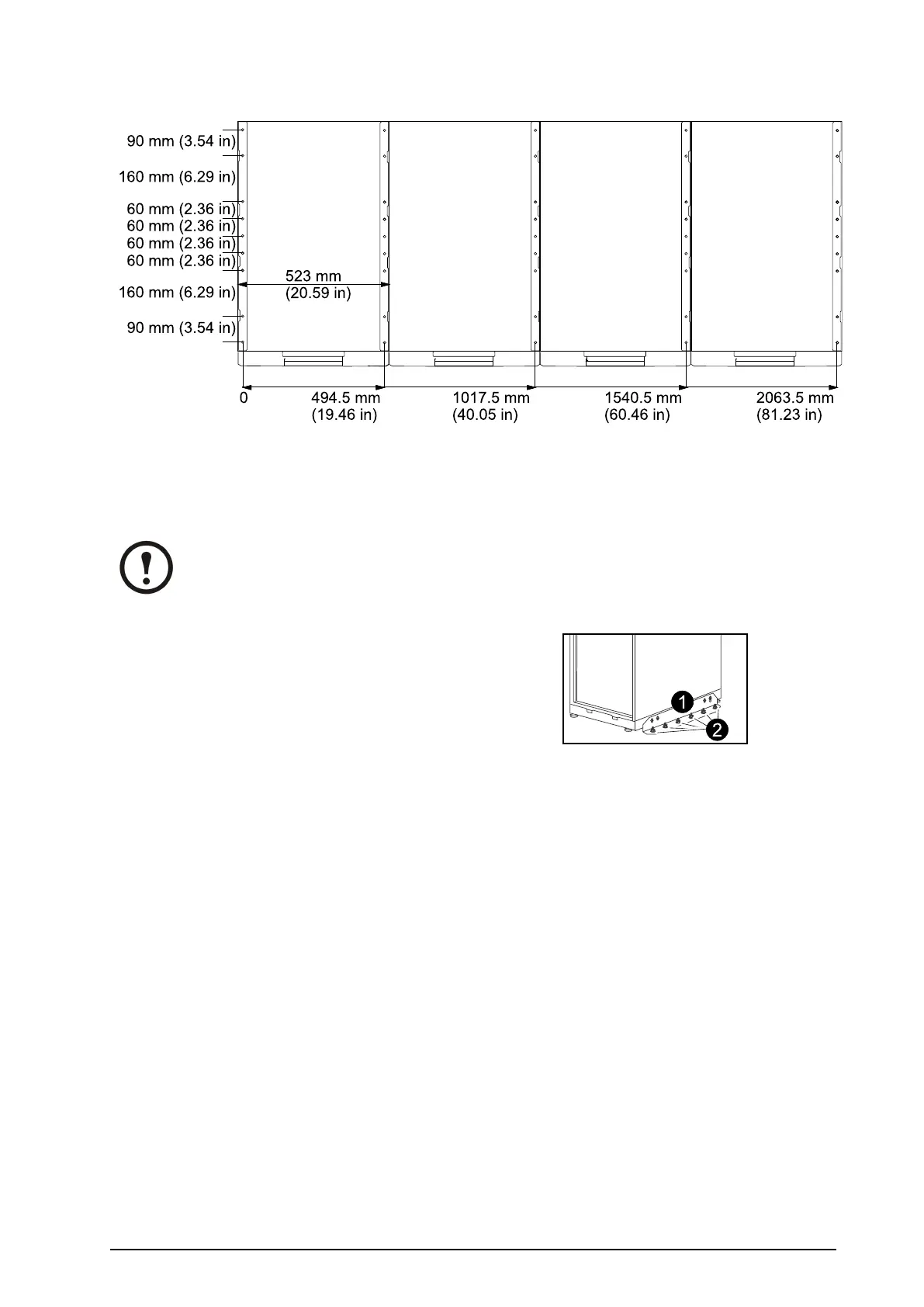
ModelWidth:523mm(20.59in)
ConnectFloorAnchoringBracketstotheUPSandXRBattery
EnclosureforStability
Note:FlooranchoringboltsarenotprovidedwiththeUPS.Purchasetheboltslocally
(minimumsize:M8).Followthespecicationsgivenbythemanufactureroftheoor
anchoringsystemwhenboltingtheUPSsystemtotheoor.
1.InstalltheL-shapedooranchoringbrackets
(reusethetwotransportbrackets)andsecure
withtheM6screwsandnuts(provided).
2.Drilltwotosixholesintheoorforeach
bracketandattachthesewithbolts.
990–1598E-001
Smart-UPS™VT10–30kV A208/220VSingleandParallelInstallation
11



 To Next Page
 Loading...

