11
"Workspace" contains one or more "Project". Detailed scan conditions are defined with each
"Project".
Create "Workspace"
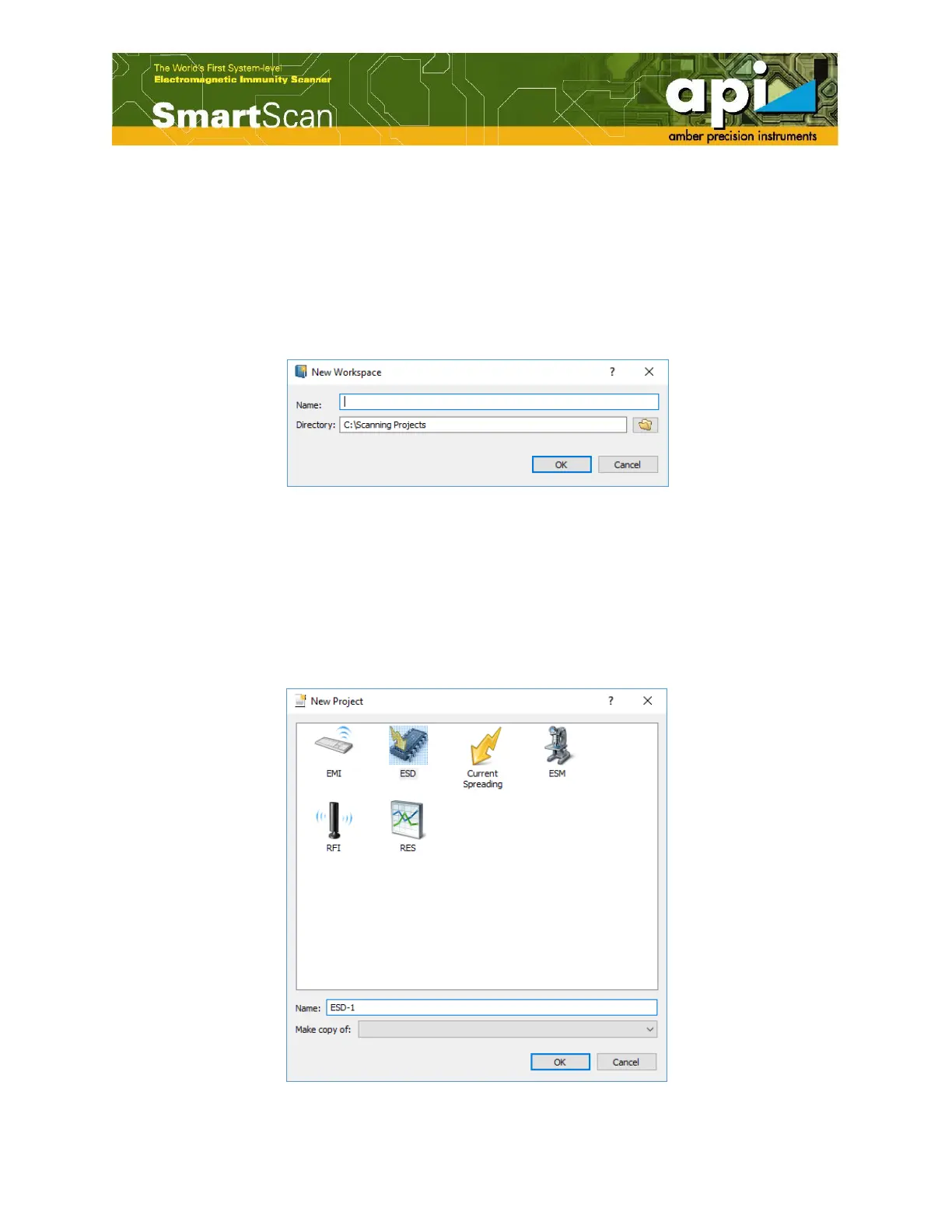
Double click "New workspace" in "Wizard" pane on right. Give desired "Workspace" name and
path to save the file. An alternate way of creating "Workspace" can be done by selecting "File"
on the top left menu bar, and select "Newworkspace".
Figure 3:Workspace definition window.
Create "Project"
Double click "Create project" from "Wizard" pane. Give "Project" name, and select proper scan
technology. An ESD scan "Project" named "ESD-1" has been created as shown in Figure 4. Any
previously generated "Project" can be copied to a new "Project". This feature is useful when scan
conditions have minor changes from other "Project".
Figure 4:Project definition window.



 To Next Page