43
b. Go to "TLP", select the corresponding port from the drop down menu. Before click on "Test
Fire", make sure TLP has been set to "REMOTE".
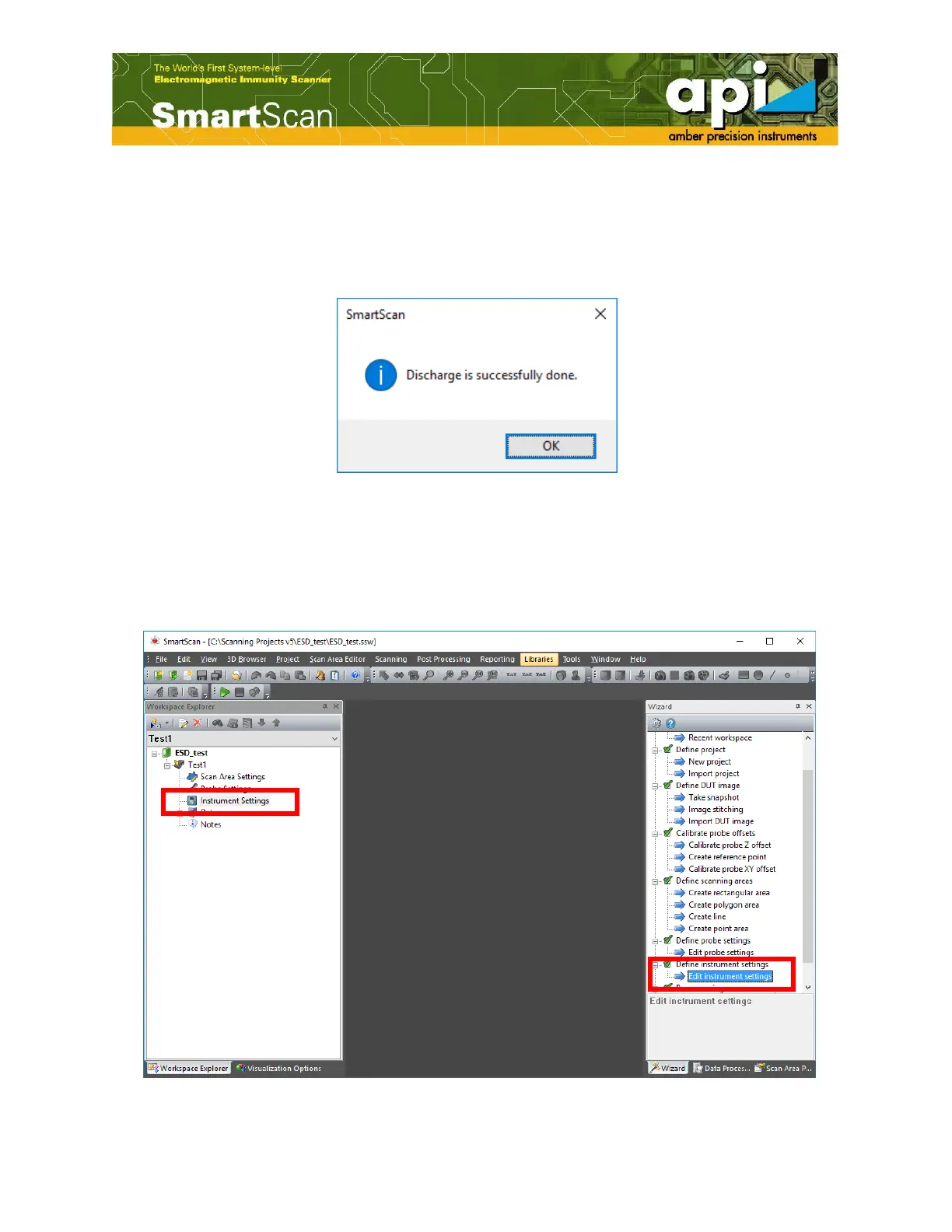
c. Click on "Test Fire". A message with "Discharge is successfully done." pops up if connection
between SmartScan and TLP is established.
Figure 70: "Test Fire" done.
Measurement Setup
a. Double click on "Instrument Settings" in "Workspace Explorer" pane or double click on
"Edit instrument settings" in "Wizard" pane.
Figure 71: Open "Instrument Settings" window.



 To Next Page