35
c. Click on "OK", one digital channel is added to the group.
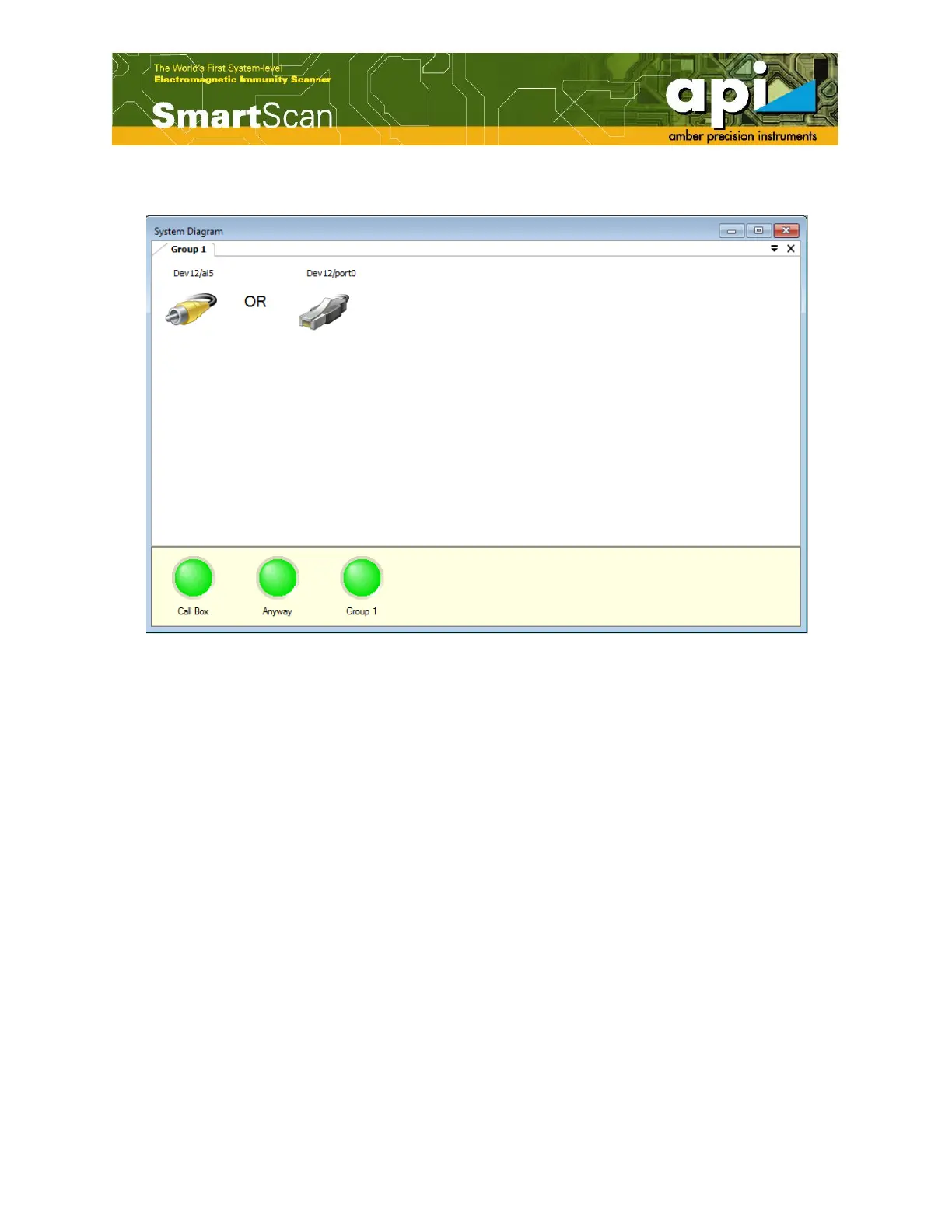
Figure 56: Digital channel is added to the group.
Analog and Digital Channel connection
Analog as well as digital channels (sometimes called – elements) are connected by Boolean
(logical) operators “AND” and “OR”, and create a single Boolean expression that defines a
complex failure condition.
In case of analog channels, those operators (“AND”/”OR”) can be changed by a double click
directly on the operator that has to be changed. A complex failure condition of two elements
connected by the “AND” operator indicates a failure if both of two elements detected a failure.
On the other hand, the “OR” operator indicates a failure if either of two elements detected a
failure.
Slightly different approach was employed in case of the selection/assignment of the digital
channels. When double click on the digital channel icon, setup window opens, as shown in
Figure 57.



 To Next Page