65
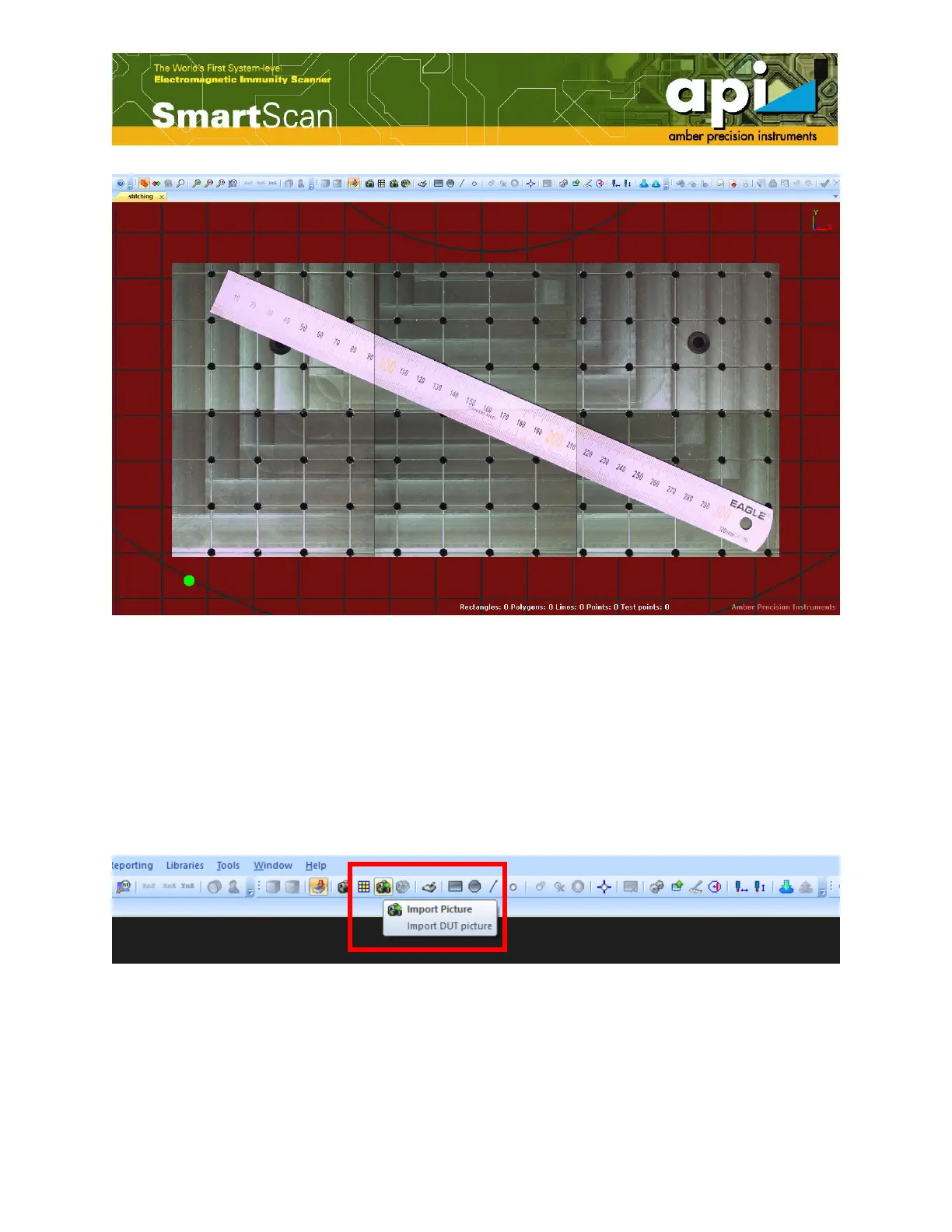
Figure 120: Stitching result.
2. Import DUT Image
Another option when whole scan area cannot fit in one screen shot is to take a picture of DUT by
external camera and import the DUT image.
Click on "Import Picture" button highlighted by the red box shown in Figure 121, choose the
picture to import, define picture height, and click on "OK".
Figure 121: Import picture.



 To Next Page