38
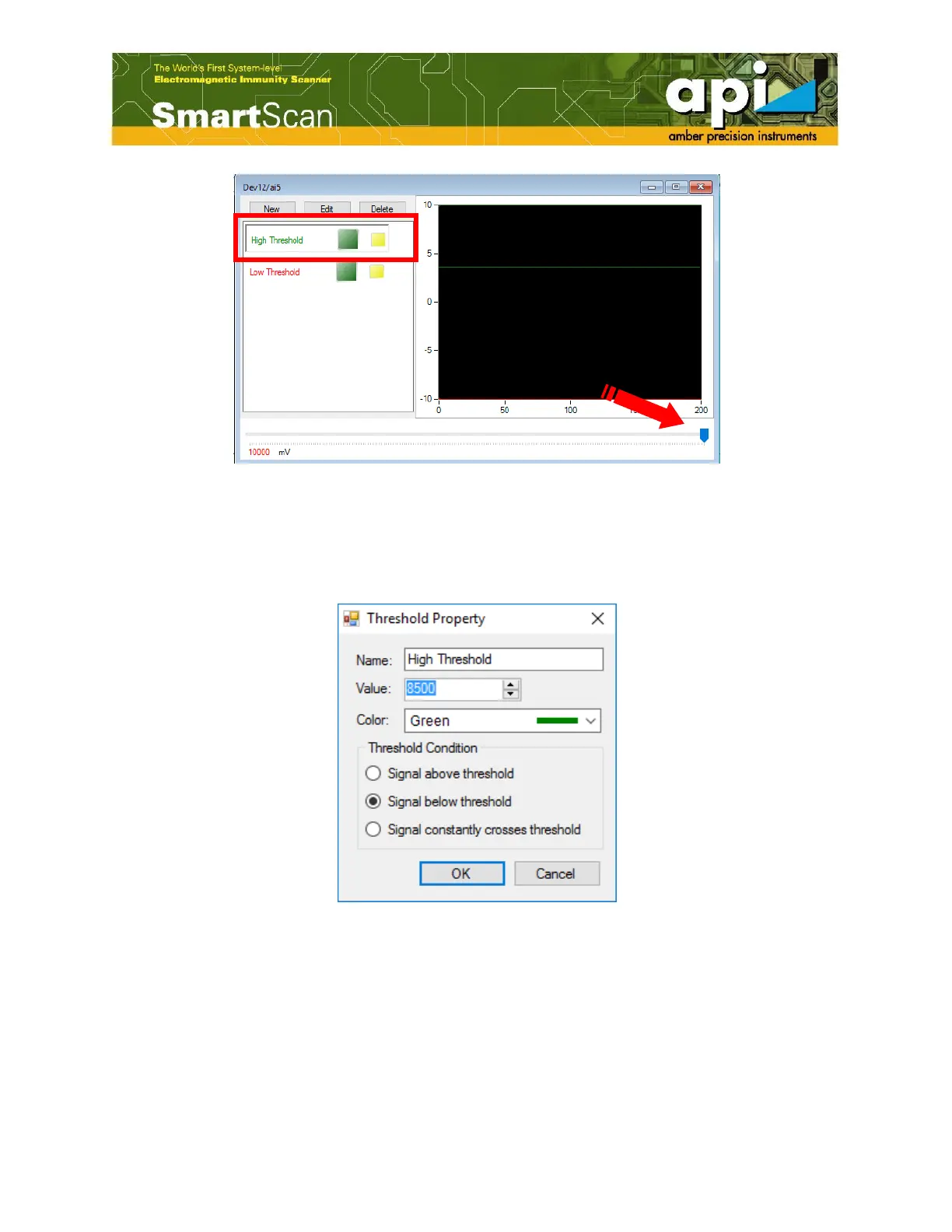
Figure 61: Set "High Threshold" voltage.
b. An alternative way to set the threshold voltage is click on "Edit" and set value in the
"Threshold Property" window. The color of threshold cursor and the condition of threshold
can also be set in this window.
Figure 62: Edit threshold property.
c. After the high threshold voltage has been set, the upper cursor appears.



 To Next Page