40
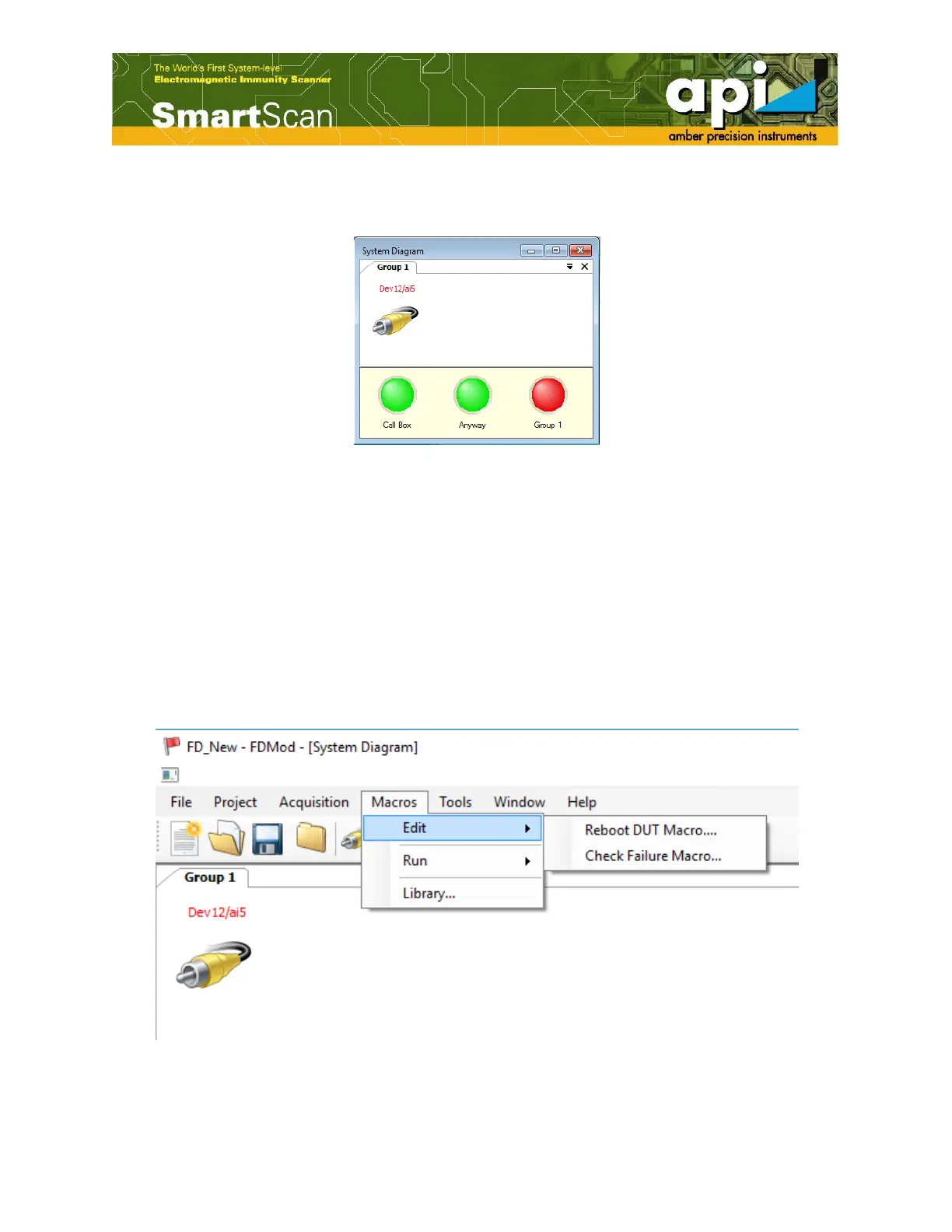
Module detects failure occurrence and a red button turns on. To reset the failure detection, click
on the RED LED, as shown in Figure 65.
Figure 65: Red led turns on when failure occur.
4.7. Set Macros
A macro is a sequence of actions required to control either DUT or failure detection. It can be
regarded as a scenario of a part of a test responsible for one of the "Group" failures. FD Module
contains two types of macros "Reboot DUT Macros" and "Check Failure Macros". Both of the
macros are necessary because SmartScan software will need to "ask" FD Module "Does failure
occur?" and "Reboot DUT?". Based on the macros, FD "replies" SmartScan yes or no. Without
check failure macro, the DUT will never be reboot since the software will not detect any failure.
a. Click on "Macros" on the top menu bar. Two types of macros are shown under "Edit".
Figure 66: Select a type of macro.



 To Next Page