39
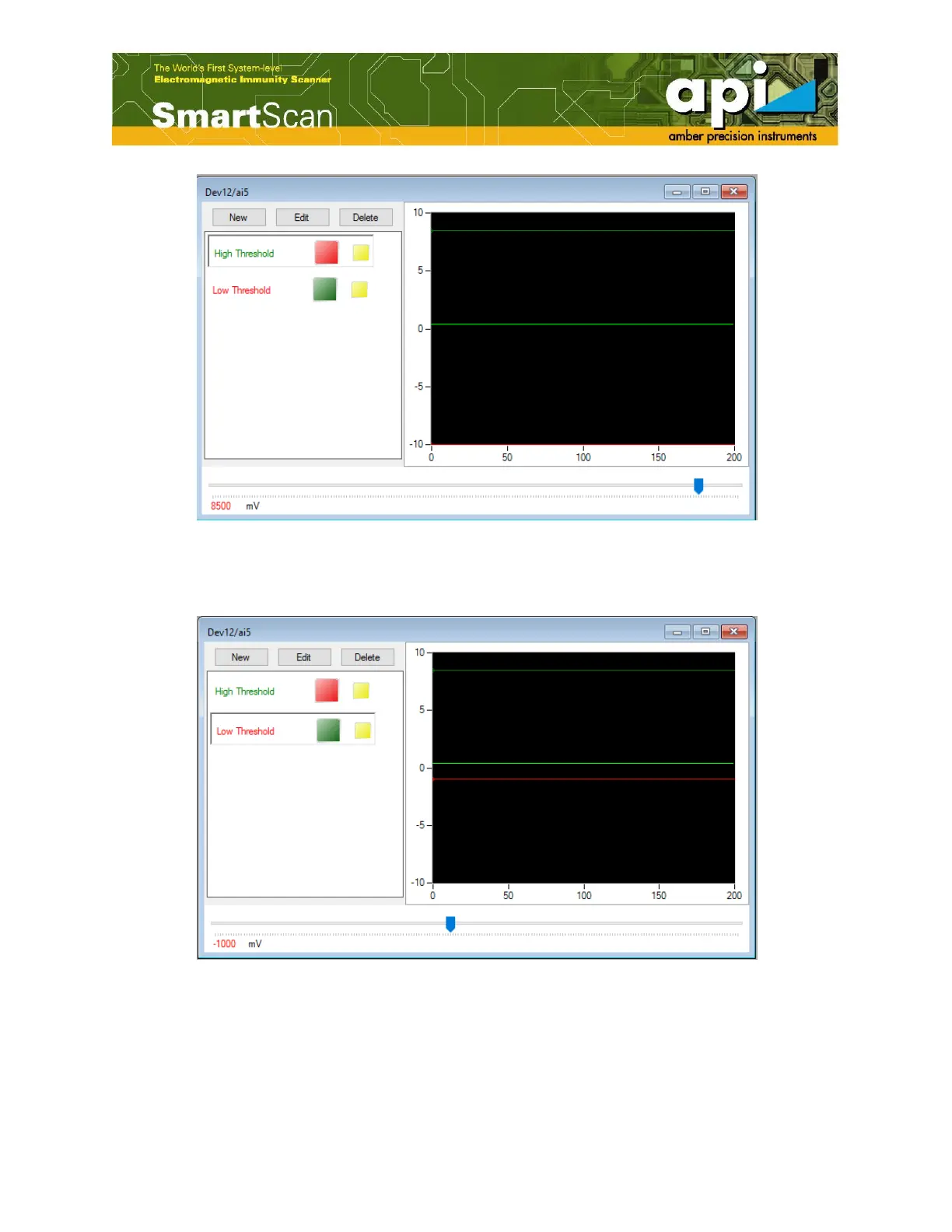
Figure 63: High threshold cursor.
d. Similarly, the low threshold value is assigned.
Figure 64: Both high threshold and low threshold have been set.
Depending on the input signal type, different threshold characteristics can be assigned. For
example, as shown above, the optical input signal has to stay within the High and Low threshold
margins to be considered as not fail. The moment one of the set limits is exceeded, the FD



 To Next Page