25
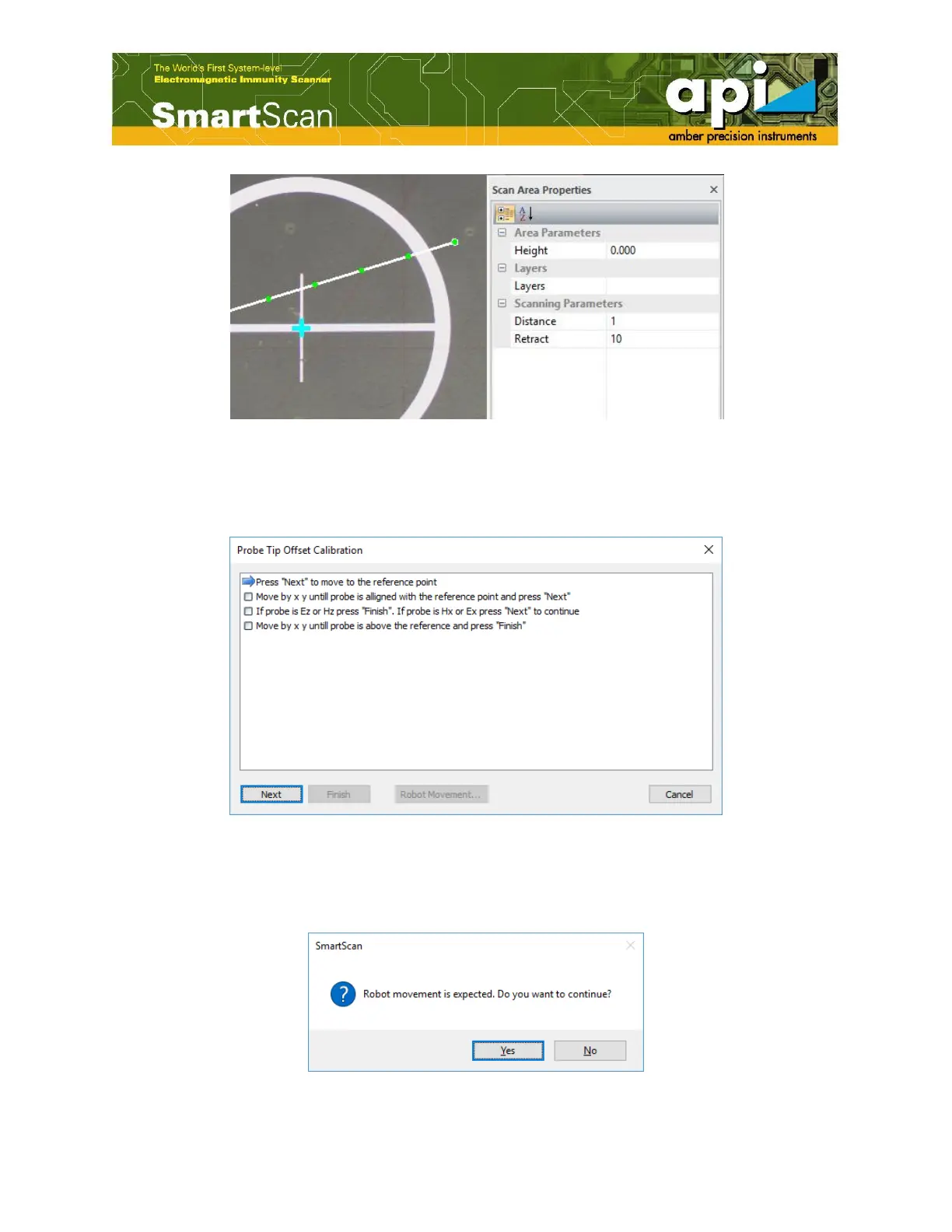
Figure 31: Reference point setting.
c. Double click on "Probe Settings" in "Workspace Explorer" pane, select "XY Wizard". "Probe
Tip Offset Calibration" window pops up. Follow the instructions shown in Figure 32.
Figure 32: Probe XY offset calibration.
d. Click on "Next" to move the probe to the reference point. A message window will pop up
warning user robot movement is expected. Click on "Yes".
Figure 33: Robot movement warning window.



 To Next Page