64
Appendix-A
Some functions are not commonly used but convenient in special situations.
1. Image Stitching
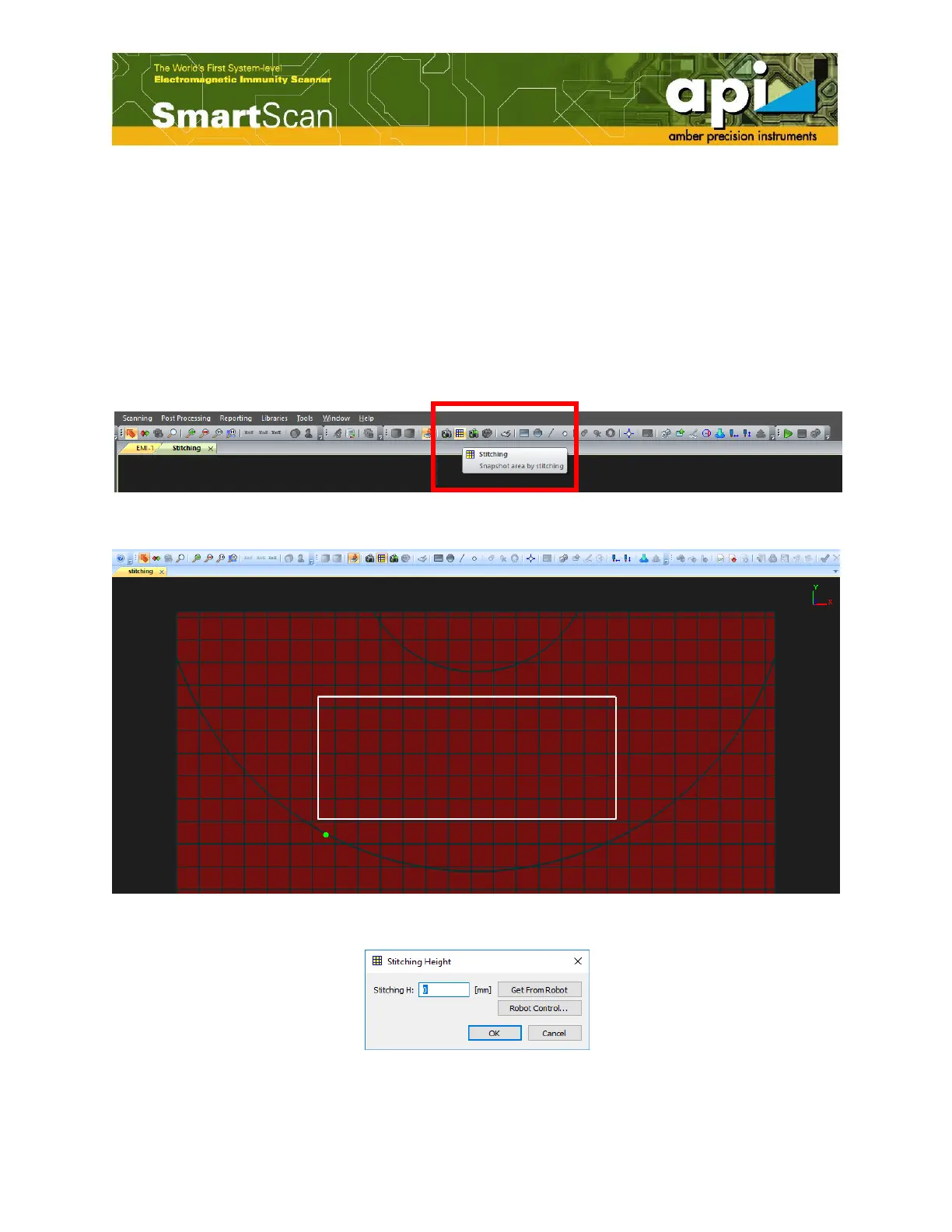
Stitching is used for large DUTs when whole scan area cannot fit in one screen shot.
Click on "Stitching" button highlighted by the red box shown in Figure 117, select a stitching
area, give the DUT height, and click on "OK".
Figure 117: "Stitching" function.
Figure 118: Select stitching area.
Figure 119: Stitching height.



 To Next Page