29
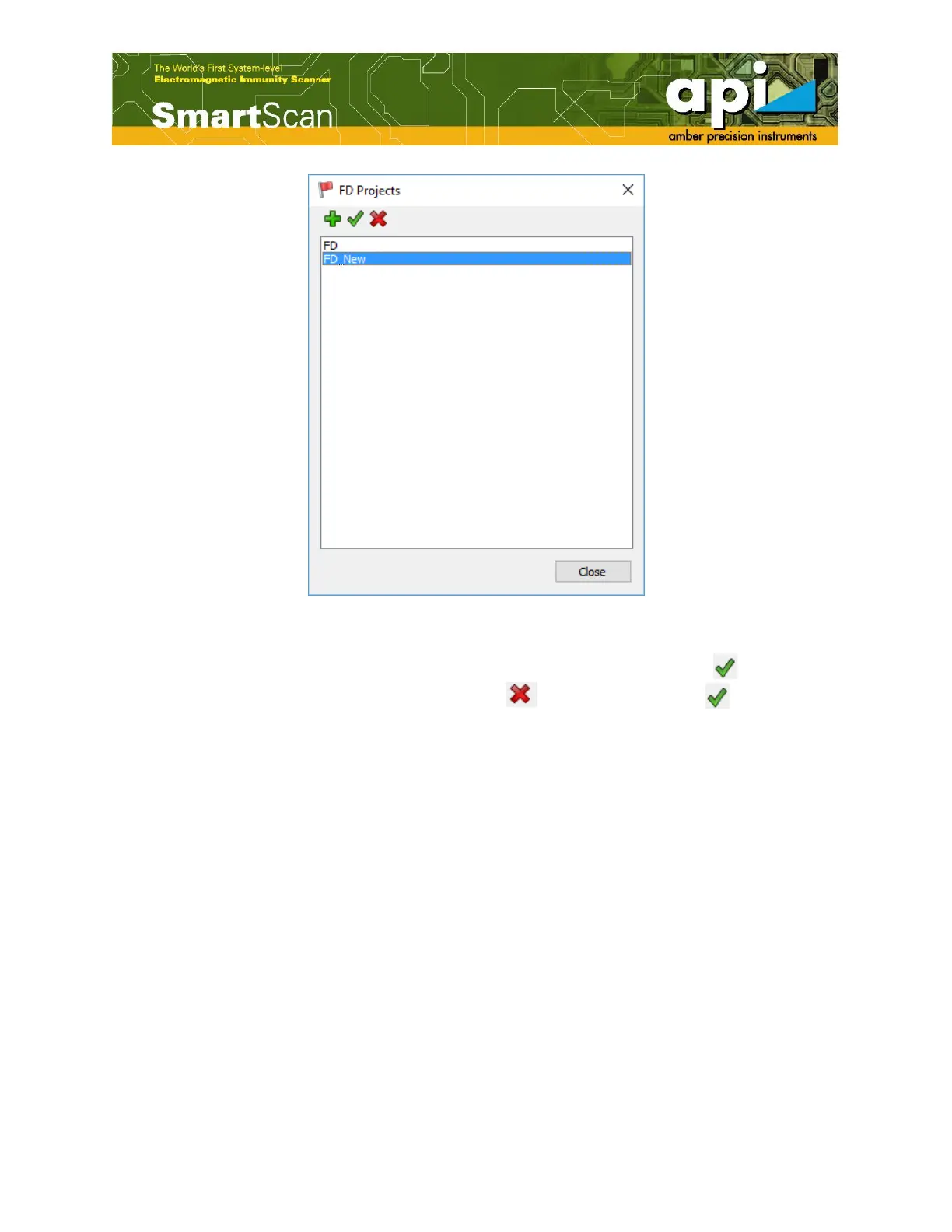
Figure 41: New FD project shown in the project window.
c. User can open the FD project by selecting “Open in FD Module” icon ( ), or delete a
project by selecting “Delete FD Project” icon ( ). Once click on the ( ) icon, the FD
project will be opened in the FD Module window. Now users will be able to assign “Groups”
and channels.
By default a first group is automatically created and is given “Group 1” name, as shown in
Figure 42.



 To Next Page