30
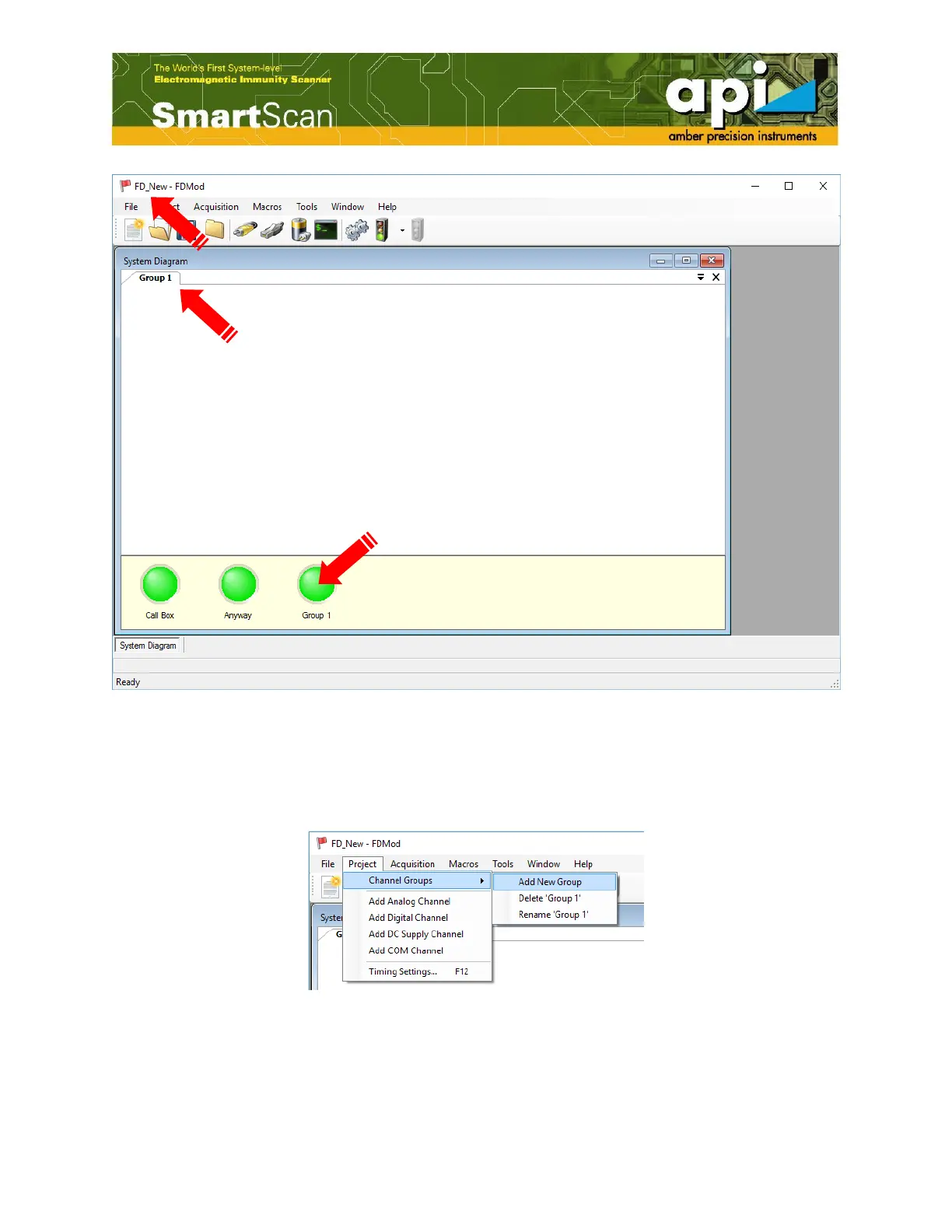
Figure 42: New FD project opened in the FD Module window.
d. User can create new Groups, delete existed groups and rename groups. To add a new group,
go to “Project”, “Channel Groups”, and click on “Add New Group”. The “Add Channel
Group” pops up. Give a name of the group and click on “OK”.
Figure 43: Add new group.
Failure/ Not failure
indication LED



 To Next Page