42
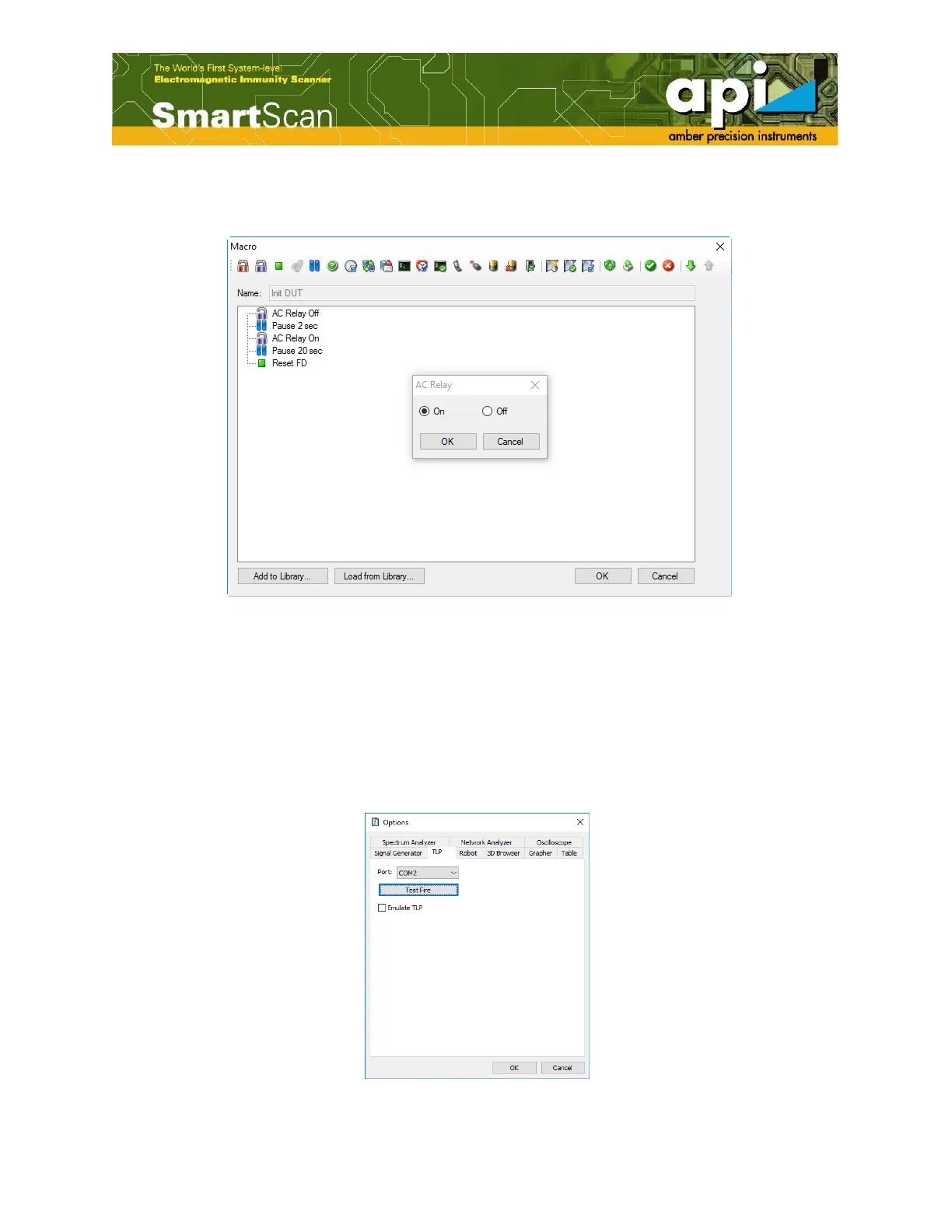
back on again. The time value is optional, it can be selected depending on the physical ability
of a DUT to reboot and return to its normal operational mode.
Figure 68: Setup "Reboot DUT Macros".
4.8. Instrument Settings
Make sure FD box and TLP are connected to the computer through USB cables.
TLP Test Fire
a. Click on "Tools" in the top menu bar, then select "Options".
Figure 69: Open Options window.



 To Next Page