27
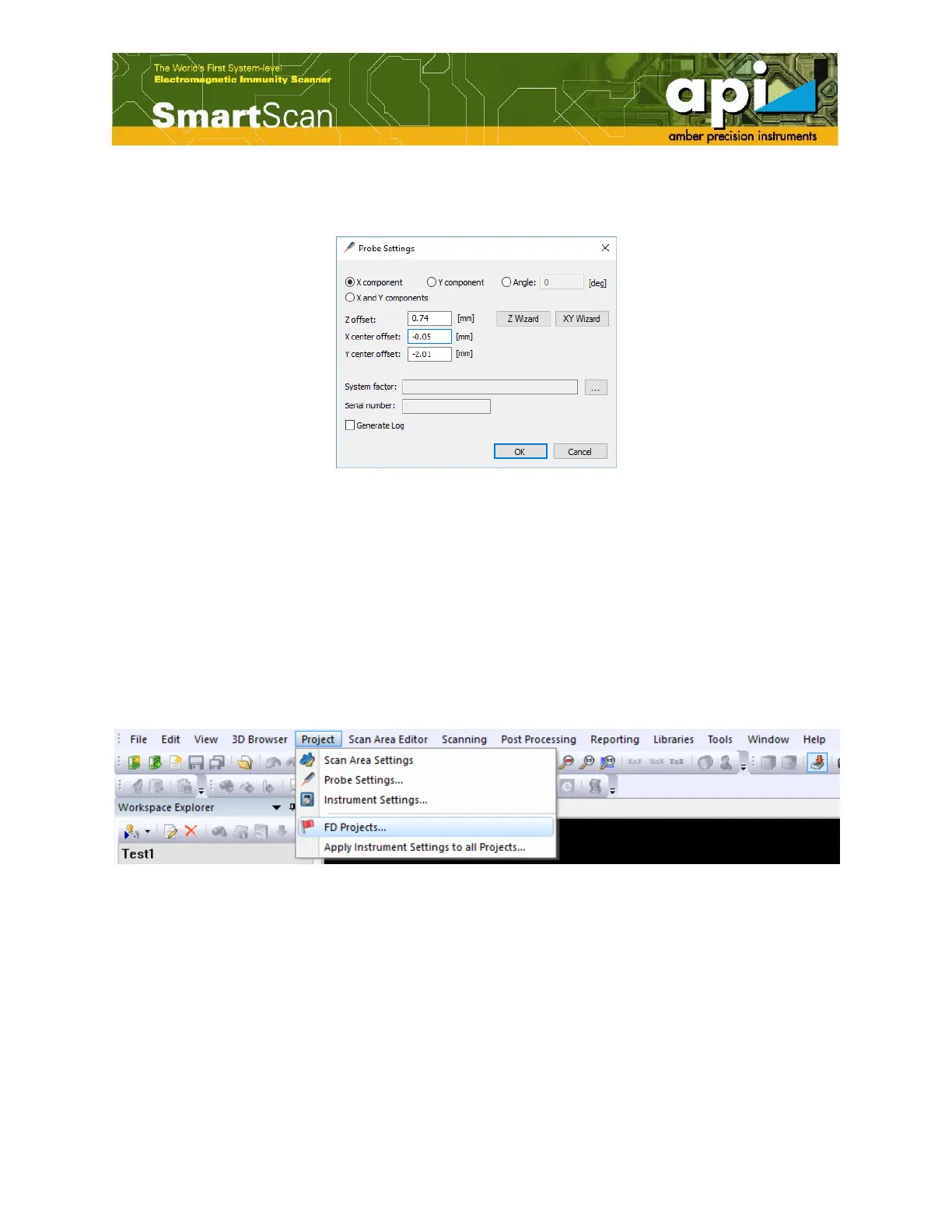
j. Then, the correction numbers will be filled in "X center offset" and "Y center offset" cells in
"Probe Settings" window.
Figure 37: Saved XY offset changes.
A joy-stick is provided for users' convenience. Users can monitor probe position while joy-stick
controls the robot movement.
4.6. Create a New Failure Detection (FD) Project
4.6.1. Create an “FD Project”
a. Select “FD Projects” under “Project” from the top menu toolbar. This operation opens “FD
Projects” window.
Figure 38: Open “FD Project”.



 To Next Page